
توضیحات
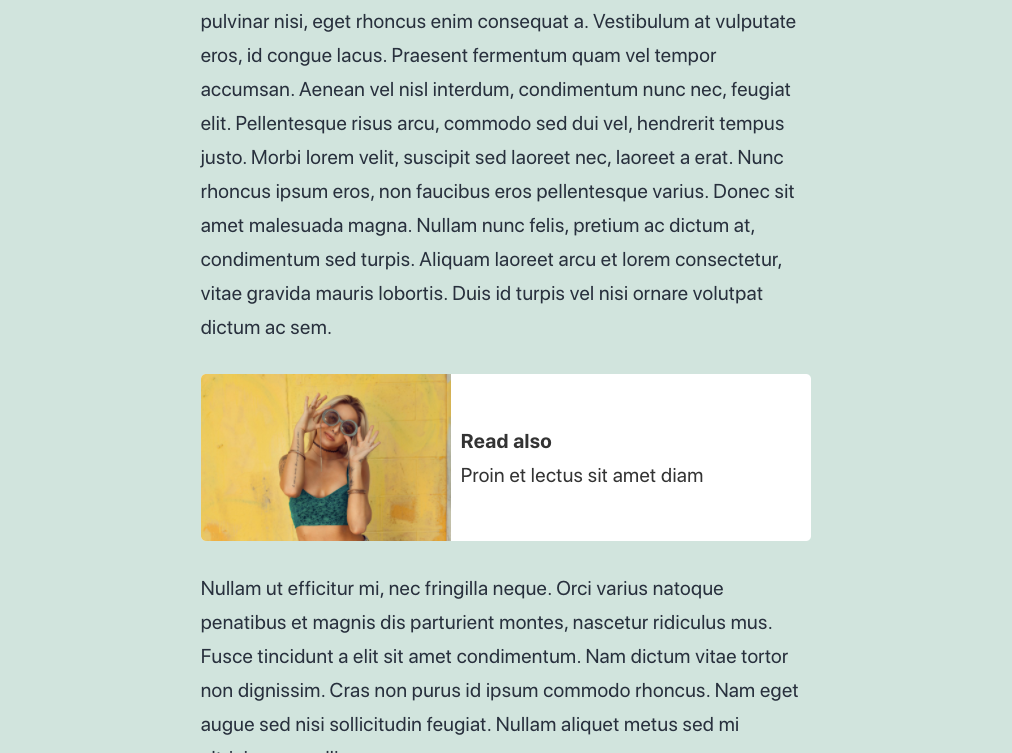
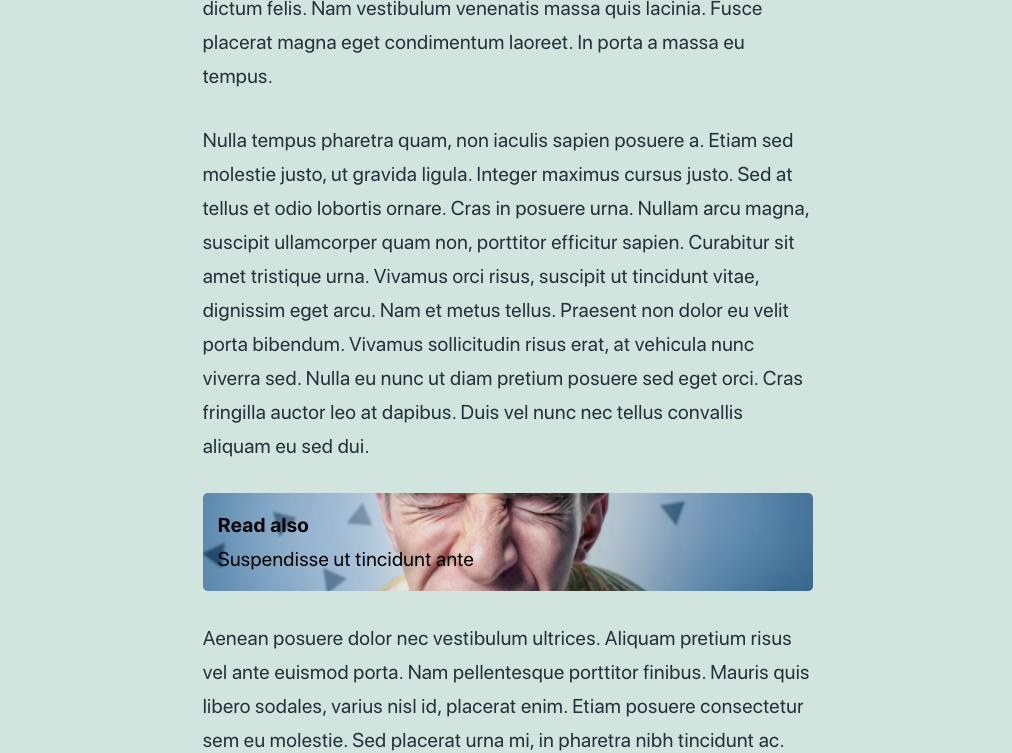
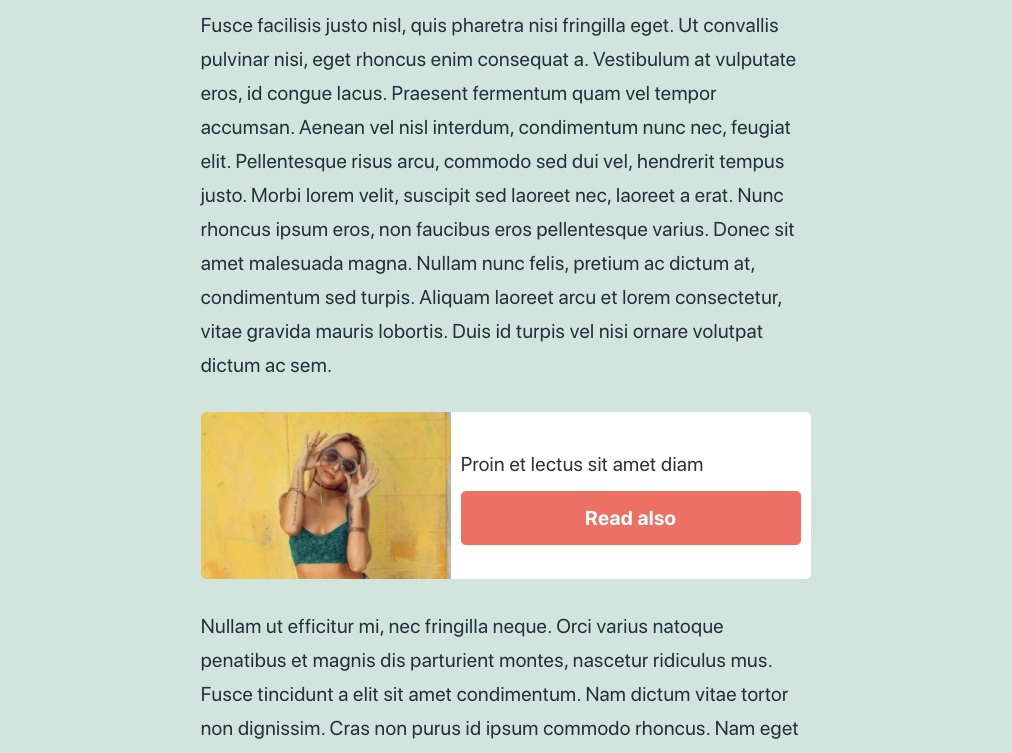
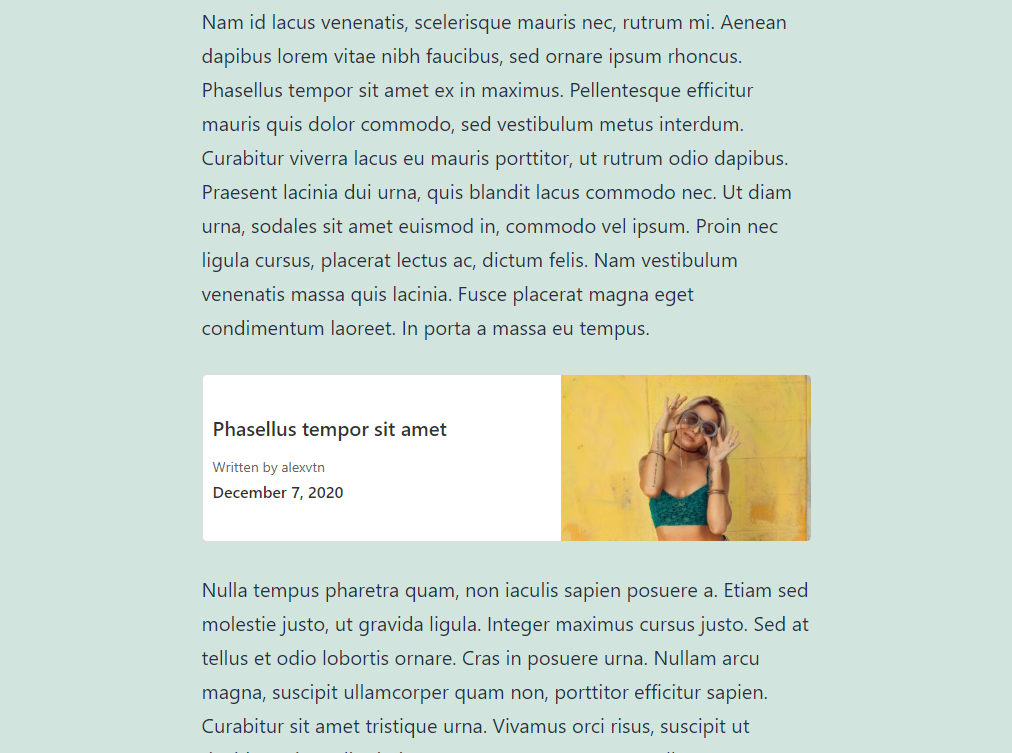
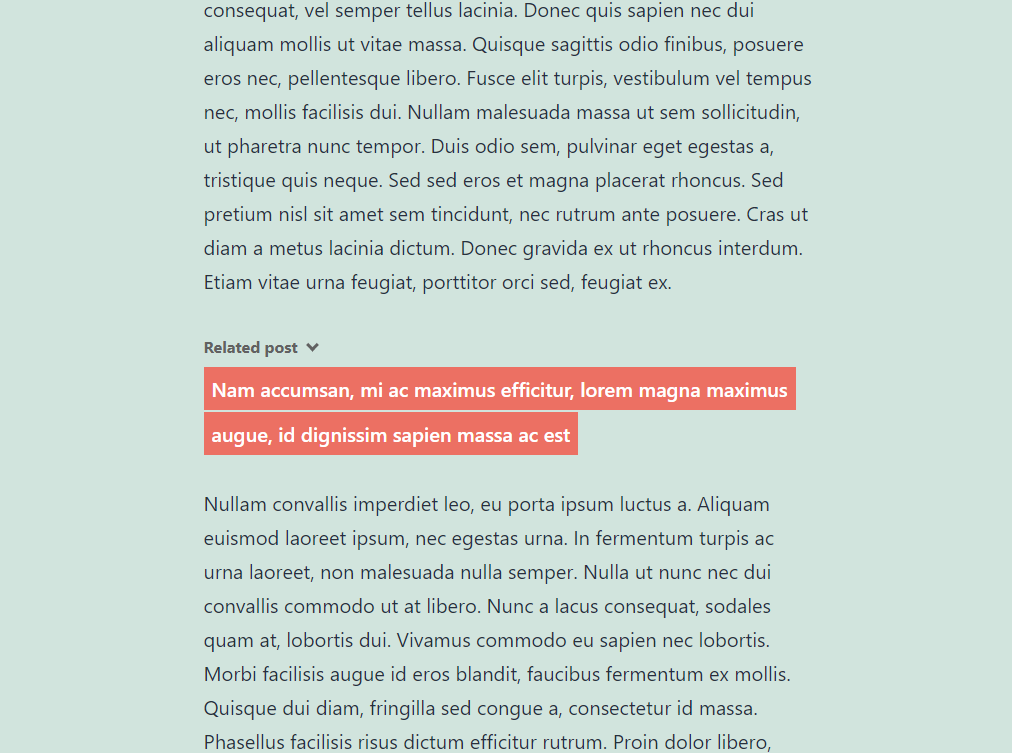
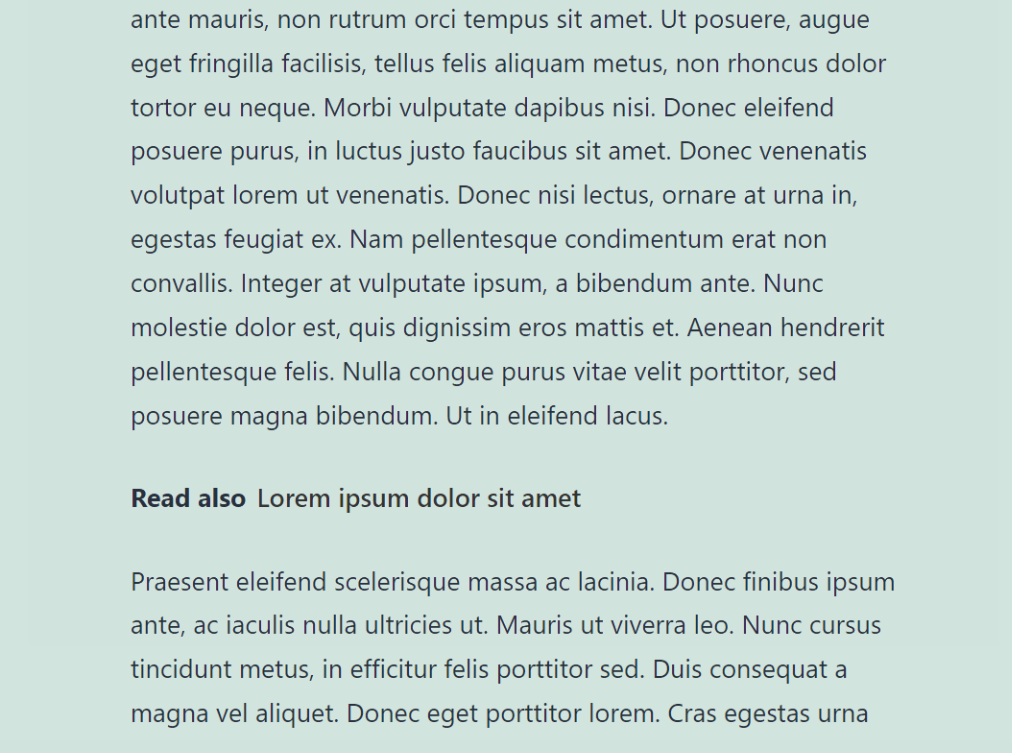
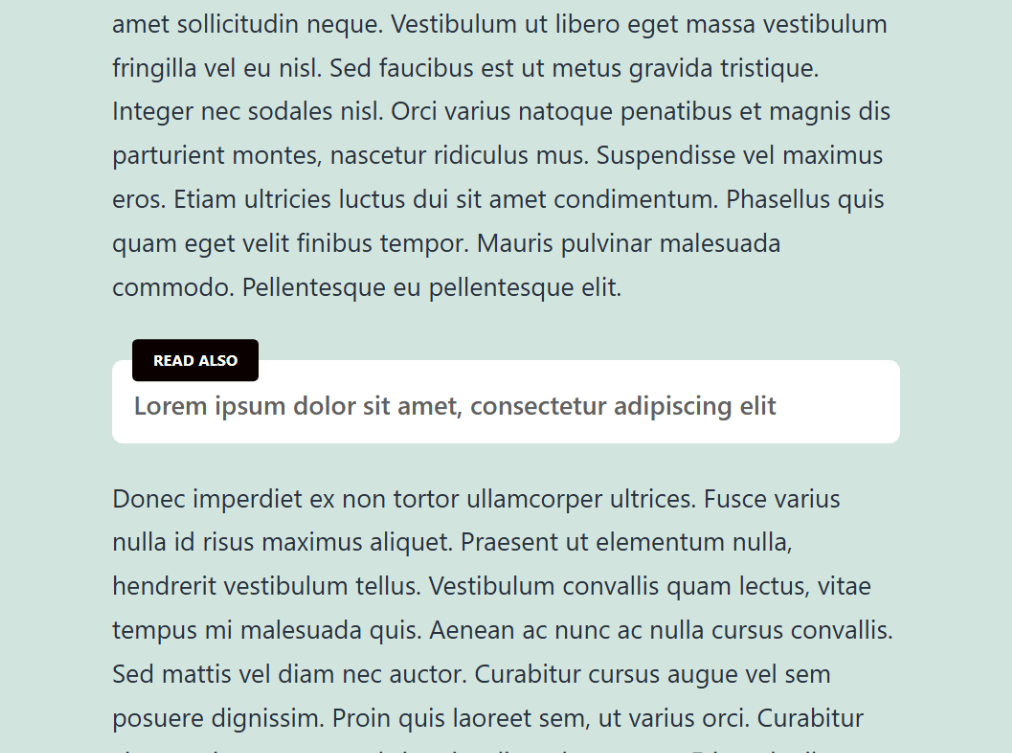
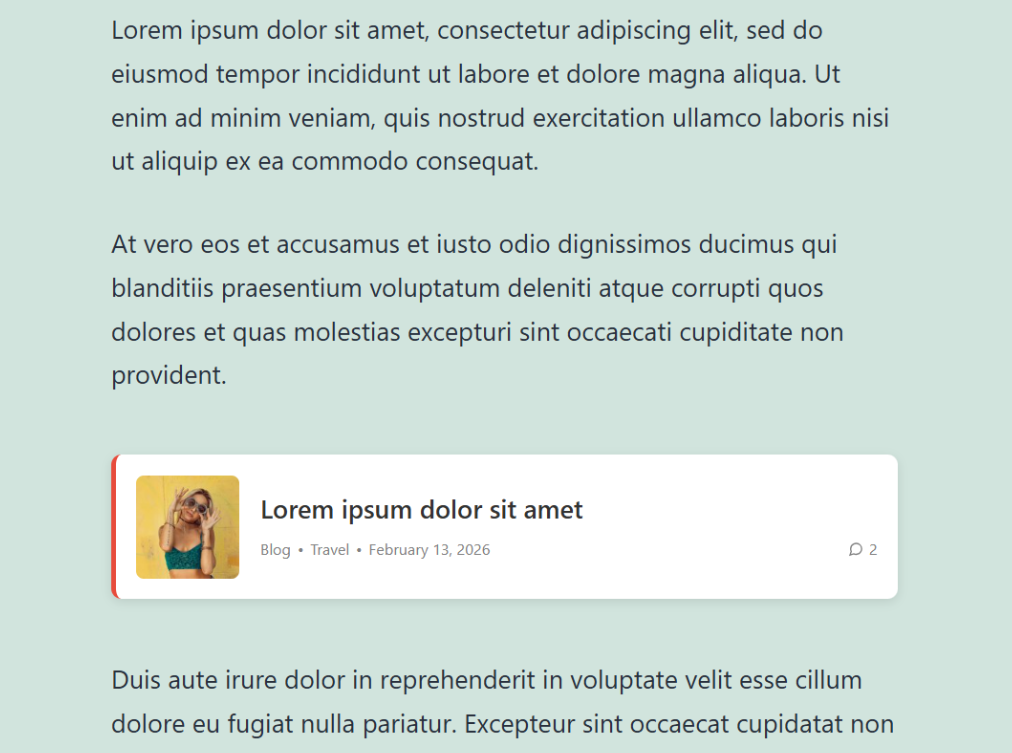
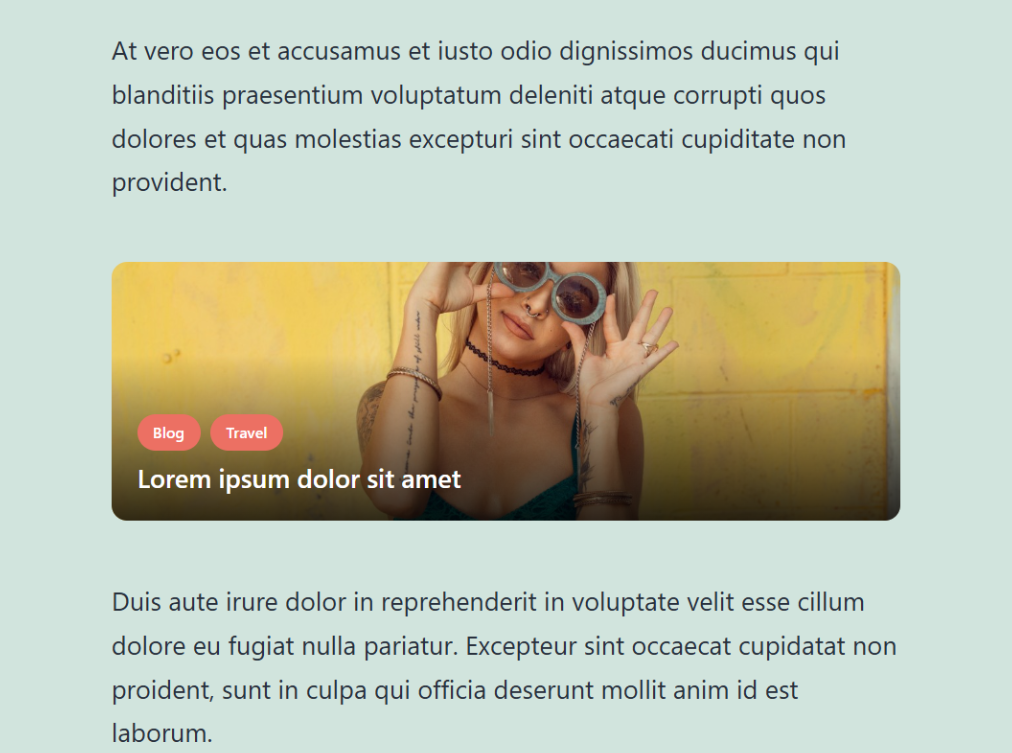
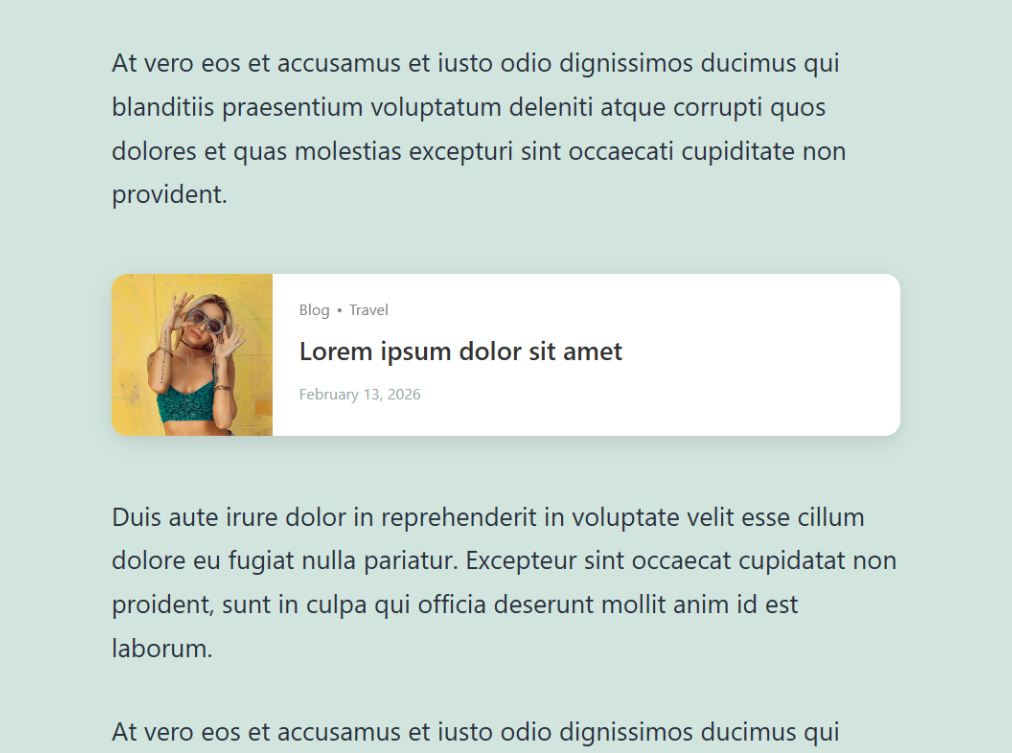
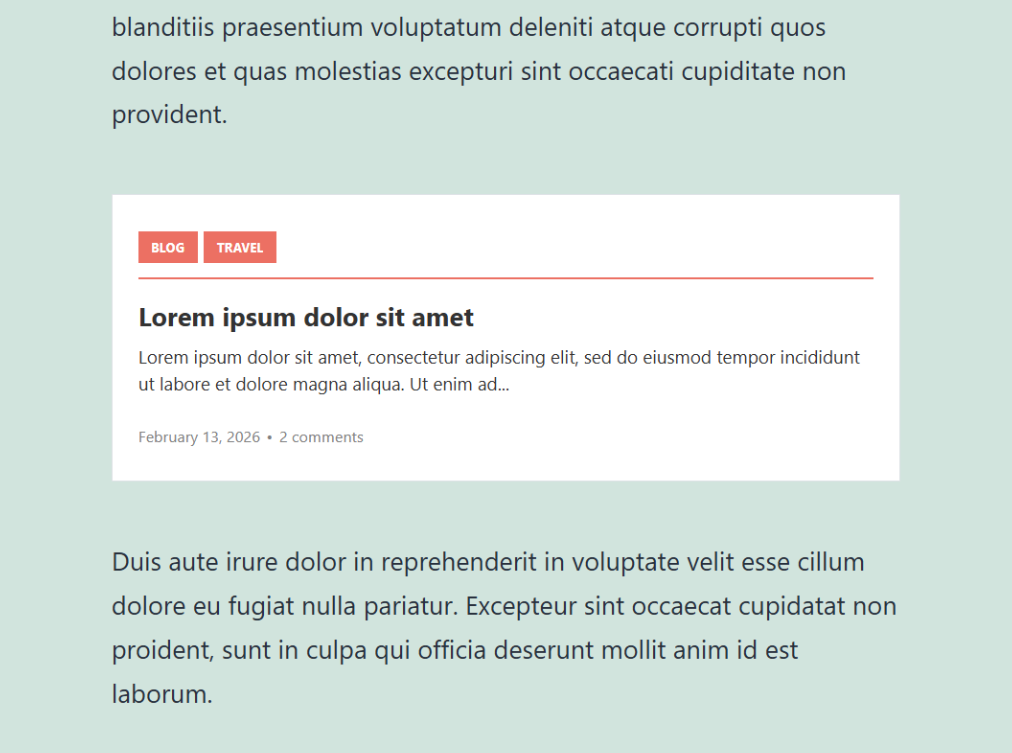
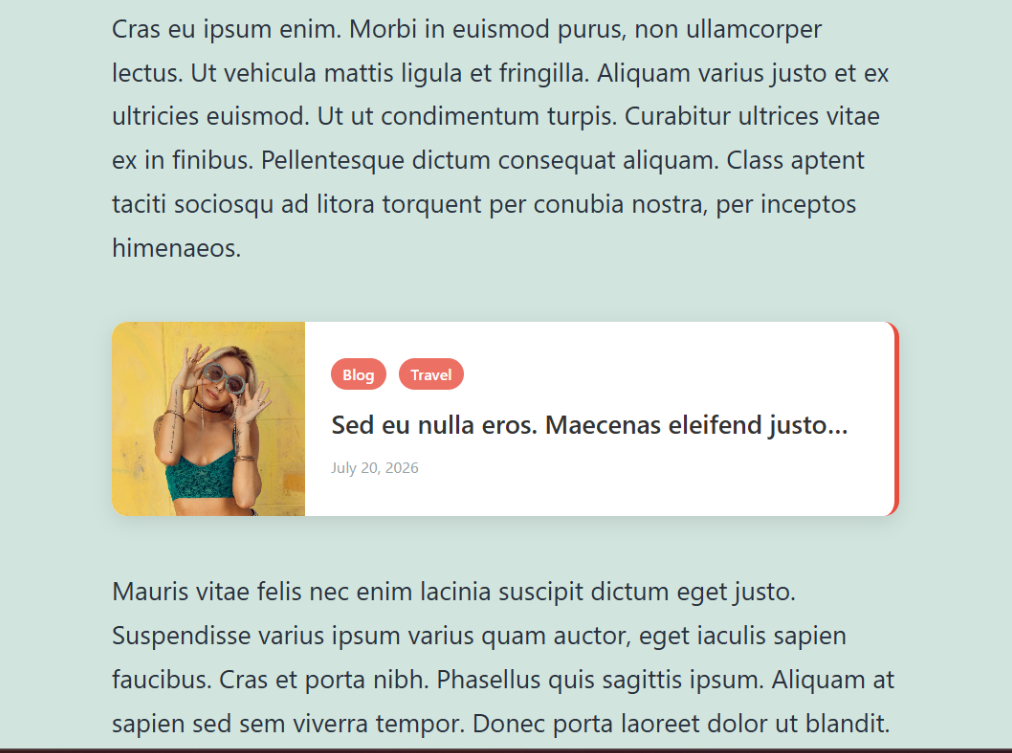
Internal Linking of Related Contents به شما اجازه میدهد بر اساس دستهها یا برچسبهای نوشته، نوشتههای مرتبط درونخطی را بهصورت خودکار در مقالههای وردپرس خود درج کنید.
لینکسازی داخلی یک تکنیک قدرتمند سئو و ابزاری مهم برای افزایش بازدید برگههای شما است. علاوه بر این، به کاهش نرخ پرش نیز کمک میکند.
با این افزونه، میتوانید نوشتههای مشابه را بهصورت درونخطی در مقالههای وردپرس خود درج کنید، نه فقط در انتهای محتوای نوشته مانند بسیاری از افزونههای محبوب.
Plugin overview
Free features.
Inline related posts
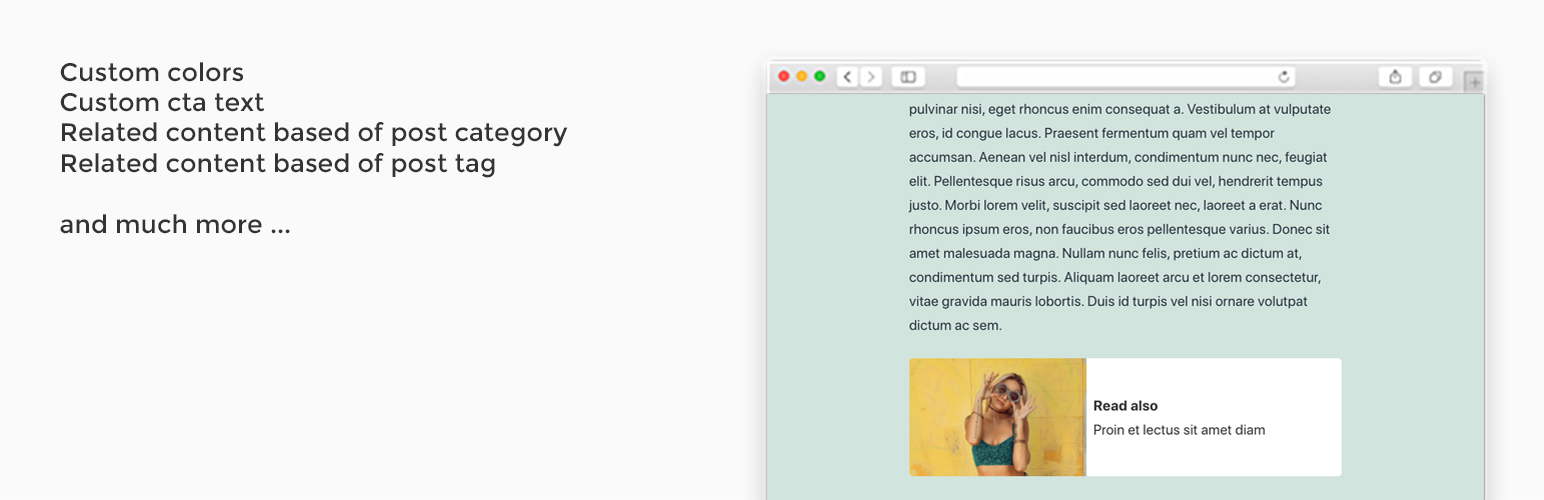
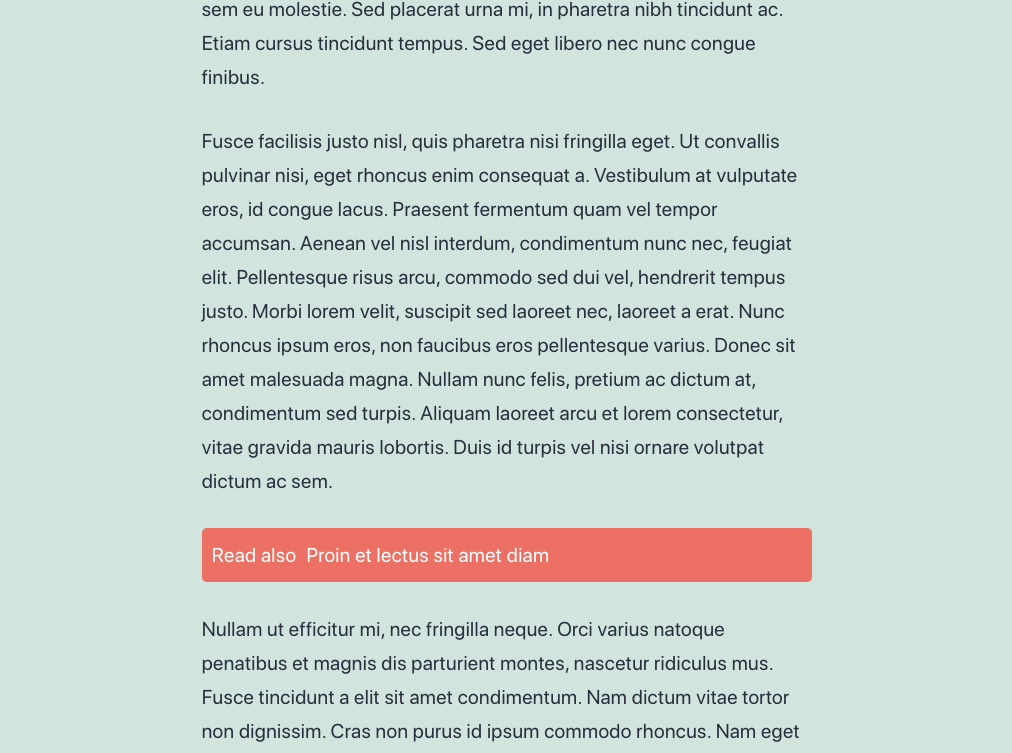
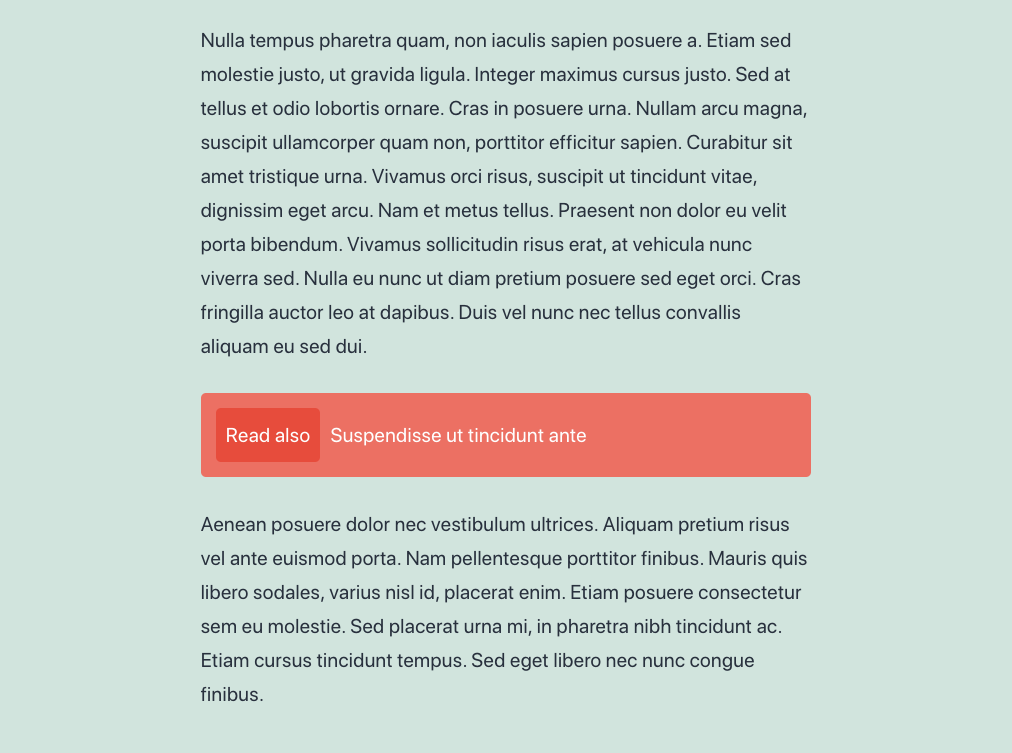
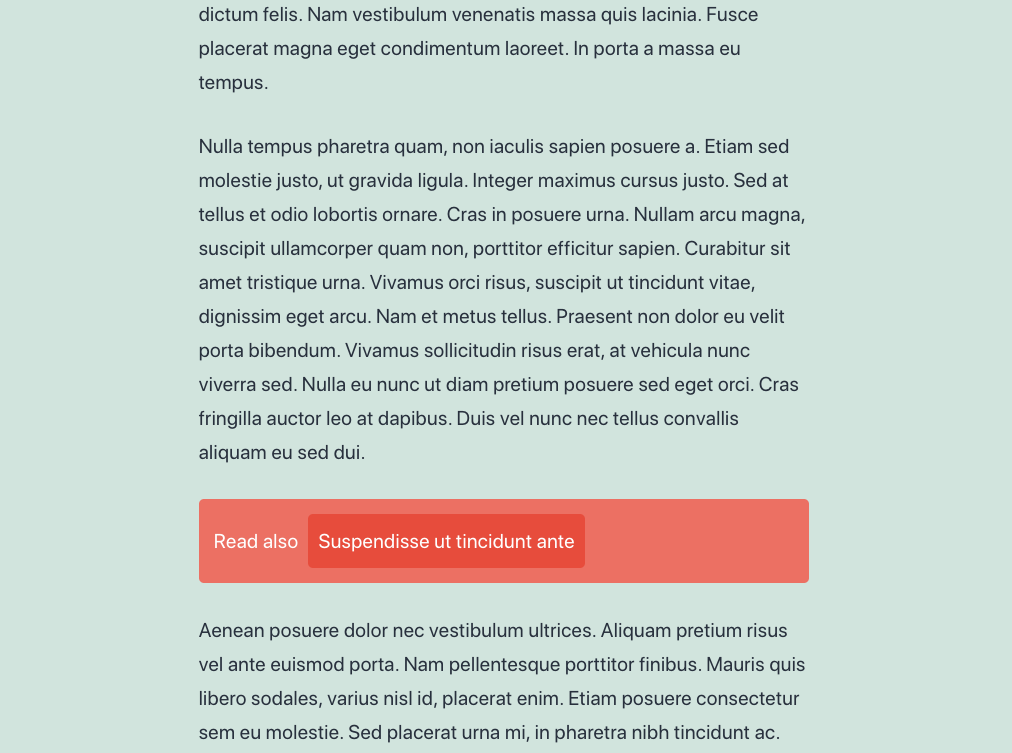
Automatically insert related posts inside your content, rather than only at the end of the article, to capture readers’ attention while they read.8 predefined templates
Choose from 8 different templates for displaying related posts.Category or tag matching
Load related contents based on the post category or on the post tags.1 to 3 related posts per article
Display from 1 to 3 related posts inside each post.Paragraph interval
Set the interval between each related post, from 1 to 6 paragraphs.Custom colors
Customize the colors of the related posts to match your website design.Editable call to action
Edit the call to action text displayed in the related posts.Shortcode
Manually place related posts anywhere in your content using the shortcode.
قابلیتهای نسخهٔ ویژه.
AI-powered related posts
Display inline related posts based on content meaning and context, with support for OpenAI and local Ollama models.Internal links count
Track how many related content links are generated by the plugin across your posts and pages, with automatic updates and tools to recalculate outdated values.Click statistics
Monitor how visitors interact with your related content links, with filters, hourly charts, device data, and detailed click events.Group related posts into a specific location
In addition to inline related posts, you can also group all related articles in one place within your content. This innovative feature streamlines navigation and provides your readers with quick access to all pertinent articles, further enhancing your website’s user experience.Premium templates
12 additional premium templates with advanced layouts and styles to create more engaging related content sections.Placeholder image
Display a custom placeholder image when a related post does not have a featured image.Custom featured image
Choose a custom image for manually selected related posts added through the shortcode, Gutenberg block, or Elementor widget.Hide posts without the featured image
Automatically hide related posts that do not have a featured image.Custom featured image size
Set a custom width and height for featured images displayed in related content.Order by option
Select how to order the related contents.Sort order option
Select the ordering of related contents.Engine search
Besides the options available on the free version, you can load the related contents based of categories and post tags, post title or custom keywords.Custom keywords
By choosing Custom Keywords as the Engine Search option, you have the ability to define specific keywords for each post.Bulk Edit for Custom Keywords
This feature enables you to efficiently manage and customize keywords for multiple selected posts. You can easily add or remove desired keywords from the selected posts.Device selection
You can select the device where you want to display the related contents..Categories to exclude
You can select one or more categories to exclude from the related contents.Post tags to exclude
You can select one or more post tags to exclude from the related contents.Post to exclude
You can select one or more posts to exclude from the related contents.Remove the call-to-action text
You can remove the call to action text from the related posts.AMP support
Display rightly the related posts in AMP pages.Custom post types support
You can enable the related contents for specific custom post types.WordPress pages support
You can enable the related contents within pages (linking child pages or based on custom keywords)Gutenberg blocks
Display a selected related post using the plugin settings, or customize its template and display options directly in the Gutenberg editor.Elementor widgets
Display a selected related post using the plugin settings, or customize its template and display options directly in Elementor.
میتوانید نسخهٔ ویژه را از طریق پیوند زیر تهیه کنید:
https://www.themeinprogress.com/internal-linking-of-related-contents-pro/
نصب
پس از نصب افزونه، تنها کاری که باید انجام دهید این است که افزونه را فعال کنید تا قابل استفاده شود.
پیکربندی
نصب Internal Linking of Related Contents یک برگهٔ مدیریتی جدید اضافه میکند که در آن میتوانید همهٔ کدهای رهگیری و اسکریپتها را مدیریت کنید.
مترجمان
زبانهای در دسترس
- English (Default)
- Italiano
عکسهای صفحه
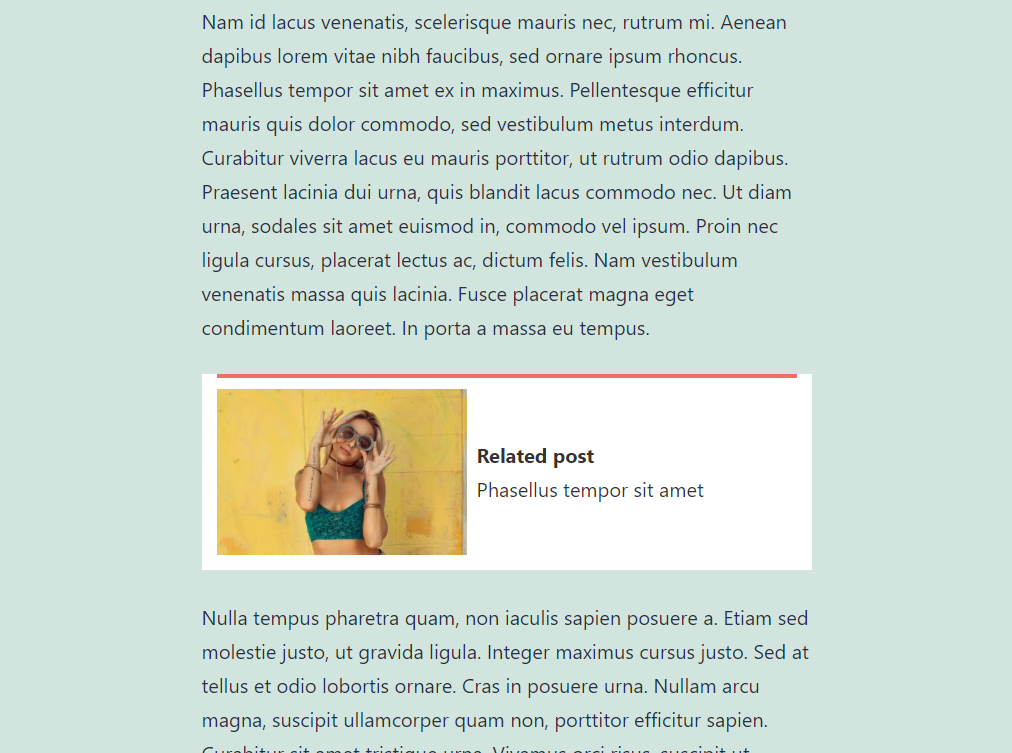
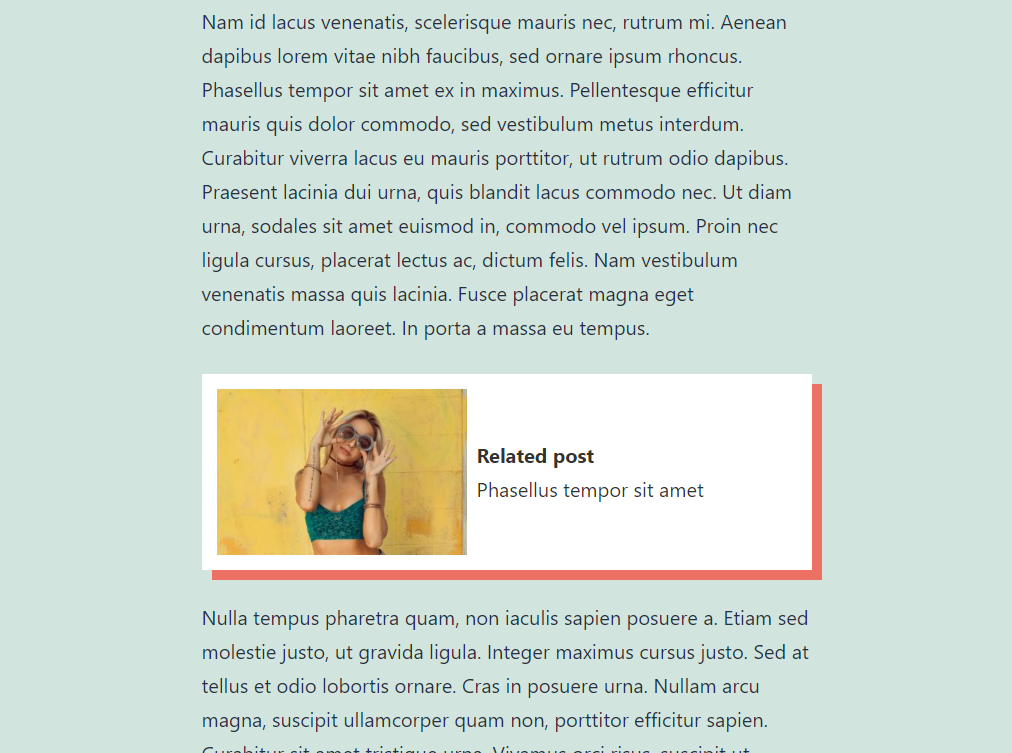
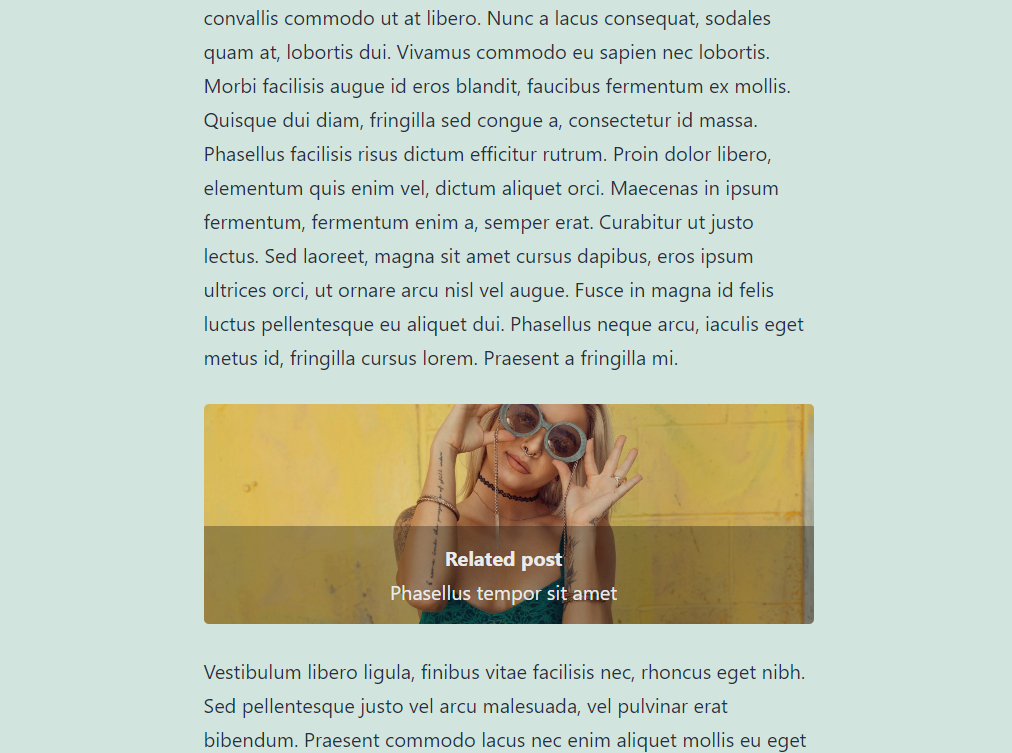
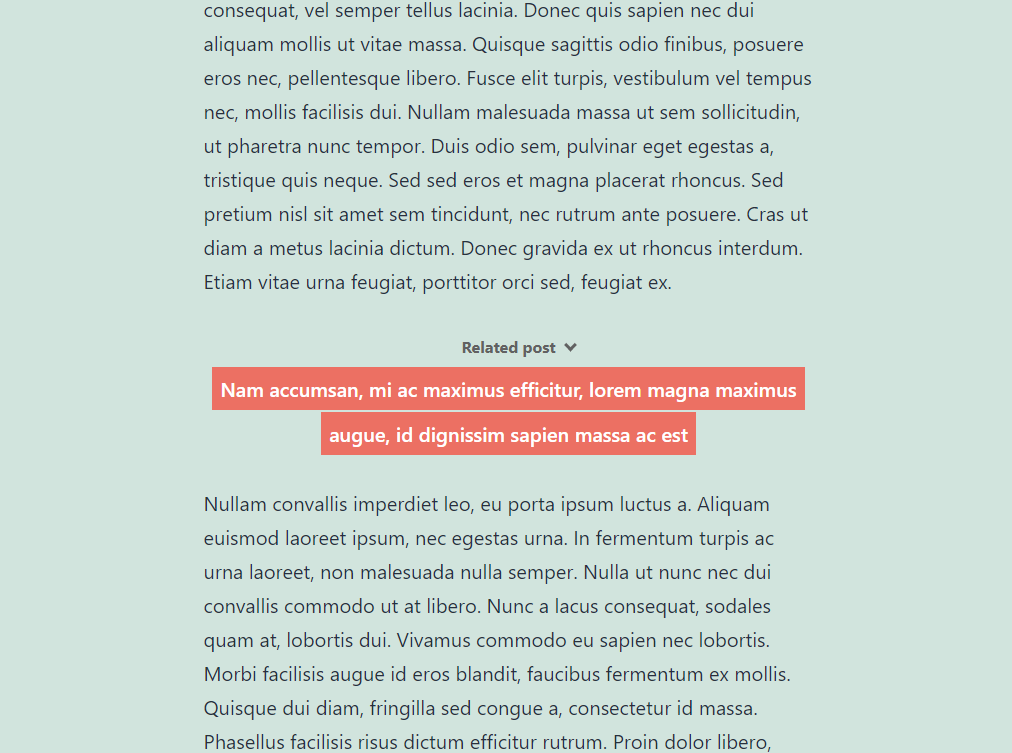
نصب
- پروندههای افزونه را در پوشهٔ ’/wp-content/plugins/internal-linking-related-contents-pro’ بارگذاری کنید یا افزونه را مستقیماً از صفحهٔ افزونههای وردپرس نصب کنید.
- افزونه را از طریق صفحهٔ «افزونهها» در وردپرس فعال کنید
- برای پیکربندی افزونه، به برگهٔ «Internal Linking of Related Contents» بروید.
نقد و بررسیها


توسعه دهندگان و همکاران
“Internal Linking of Related Contents” نرم افزار متن باز است. افراد زیر در این افزونه مشارکت کردهاند.
مشارکت کنندگان
“Internal Linking of Related Contents” به 1 زبان ترجمه شده است. با تشکر از مترجمین برای همکاری و کمکهایشان.
ترجمه “Internal Linking of Related Contents” به زبان شما.
علاقه مند به توسعه هستید؟
کد را مرور کنید، مخزن SVN را بررسی کنید، یا از طریق RSS در گزارش توسعه مشترک شوید.
گزارش تغییرات
1.2.8
Release date – October, 06 – 2026
- Added: Option to hide the upsell notice in the plugin settings
- بهبود: بهینهسازی کد
1.2.7
Release date – August, 30 – 2026
- بهروزرسانی شد: ترجمهٔ ایتالیایی
- بهبود: بهینهسازی کد
- Tested with WordPress 7.1
1.2.6
تاریخ انتشار – ۲۴ ژوئیه ۲۰۲۶
- حذف شد: پیوند فروش ویژه از زبانههای تنظیمات افزونه
- حذف شد: اطلاعیه فروش ویژه از پیشخوان وردپرس
- افزوده شد: قالب جدید (قالب ۴)
- افزوده شد: بخش فروش ویژه (Upsell) مستقیماً در تنظیمات افزونه
- بهبود: بهینهسازی کد
1.2.5
تاریخ انتشار – ۳۰ خرداد ۱۴۰۵
- ویرایش: بهینهسازی کد
1.2.4
تاریخ انتشار – 7 ژوئن 2026
- ویرایش: بهینهسازی کد
- تستشده با وردپرس 7.0
1.2.3
تاریخ انتشار – 22 فوریه 2026
- افزوده شد: گزینهٔ متاباکس روی هر نوشته/برگه برای مستثنا کردن نوشتههای مرتبط.
- افزوده شد: قالب جدید (قالب 18)
1.2.2
تاریخ انتشار – 26 دسامبر 2025
- ویرایش: بهینهسازی کد
- تستشده با وردپرس 6.9
1.2.1
تاریخ انتشار – 26 نوامبر 2025
- رفع شد: هشدار PHP «Attempt to read property ‘ID’ on null» در core/includes/class-related-contents.php در خط 288.
1.2.0
تاریخ انتشار – 10 اکتبر 2025
- رفع شد: مشکل دسترسی بخش مدیریت برای کاربران غیرمدیر.
- ویرایش: بهینهسازی کد
1.1.9
تاریخ انتشار – 7 ژوئن 2025
- امنیت: رفع آسیبپذیری Broken Access Control که نسخههای ≤ 1.1.8 را تحت تأثیر قرار میداد.
1.1.8
تاریخ انتشار – 14 مه 2025
- افزوده شد: گزینهٔ نمایش فقط نوشتههای مرتبطی که بهتازگی منتشر شدهاند.
- افزوده شد: گزینهٔ مدیریت رنگ متن در حالت hover
- افزوده شد: قالبهای جدید (قالب 11، 12 و 13)
- ویرایش: بهینهسازی کد
- تستشده با وردپرس 6.8
1.1.7
تاریخ انتشار – 15 فوریه 2025
- رفع شد: اعلان «Function _load_textdomain_just_in_time was called incorrectly».
- بهروزرسانی شد: ترجمهٔ ایتالیایی
- ویرایش: بهینهسازی کد
1.1.6
تاریخ انتشار – 28 نوامبر 2024
- رفع شد: textdomain اشتباه
- بهروزرسانی شد: پیوند مستندات
- بهروزرسانی شد: ترجمهٔ ایتالیایی
- تستشده با وردپرس 6.7
1.1.5
تاریخ انتشار – 8 اوت 2024
- تستشده با وردپرس 6.6
1.1.4
تاریخ انتشار – 21 مه 2024
- رفع شد: خطای مهلک: Uncaught TypeError: property_exists() در PHP 8
- تستشده با وردپرس 6.5
1.1.3
تاریخ انتشار – 13 ژانویه 2024
- ارتقا یافت: فاصله بین محتوای مرتبط از 3 به 6 پاراگراف افزایش یافت.
- رفع شد: خروجی گرفتن تگ body اضافی
- رفع شد: پیوند مستندات
- ویرایش – بهینهسازی کد
1.1.2
تاریخ انتشار – 23 نوامبر 2023
- تستشده با وردپرس 6.4
1.1.1
تاریخ انتشار – 3 نوامبر 2023
- رفع شد: هشدارهای «Deprecated: Optional parameter» در PHP 8
- رفع شد: هشدارهای «Deprecated: Creation of dynamic property» در PHP 8
- تستشده با PHP 8.2
1.1.0
تاریخ انتشار – 11 سپتامبر 2023
- افزوده شد: پیوندهای «پشتیبانی» و «به افزونه امتیاز دهید» در پنل گزینهها.
- بهروزرسانی شد: جدول Free vs Pro
1.0.9
تاریخ انتشار – 25 اوت 2023
- تستشده با وردپرس 6.3
1.0.8
تاریخ انتشار – 8 ژوئیه 2023
- افزوده شد: پیشنمایش قالبها
1.0.7
تاریخ انتشار – 6 ژوئن 2023
- رفع شد: آسیبپذیری CSRF
1.0.6
تاریخ انتشار – 5 آوریل 2023
- تستشده با وردپرس 6.2
1.0.5
تاریخ انتشار – 17 فوریه 2023
- تستشده با وردپرس 6.1
1.0.4
تاریخ انتشار – 18 ژوئن 2022
- افزوده شد: گزینهٔ مدیریت اولویت hook مربوط به the_content
- تستشده با وردپرس 6.0
1.0.3
تاریخ انتشار – 11 مارس 2022
- تستشده با وردپرس 5.9
1.0.2
تاریخ انتشار – 25 اکتبر 2021
- افزوده شد: جدول Free vs Pro داخل پنل گزینهها
- ویرایش – بهینهسازی کد
1.0.1
تاریخ انتشار – 5 اوت 2021
- تستشده با وردپرس 5.8
1.0.0
- اولین انتشار