
توضیحات
Masonry Image Gallery is a custom Gutenberg Block built with Gutenberg Native Components. It allows you to create an image gallery in Gutenberg Editor easily. In addition, you can style gallery images and gallery container with different options. You can also add a lightbox to the gallery images.
Video Overview
Features Included:-
- Build Masonry Image Gallery Easily in Gutenberg Editor.
- Build with CSS for Masonry System. JS only for Lightbox
- Popup Lightbox Support
- Slick, light-weight, and optimized.
- Load scripts only where the block is used
- Clean Codes
- Never slowdowns your site.
- Highly Customizable
- Responsive and Mobile-friendly.
- Easy to use and customizable with Gutenberg Block Editor.
- Gutenberg Native Components are used.
- No block builder
عکسهای صفحه
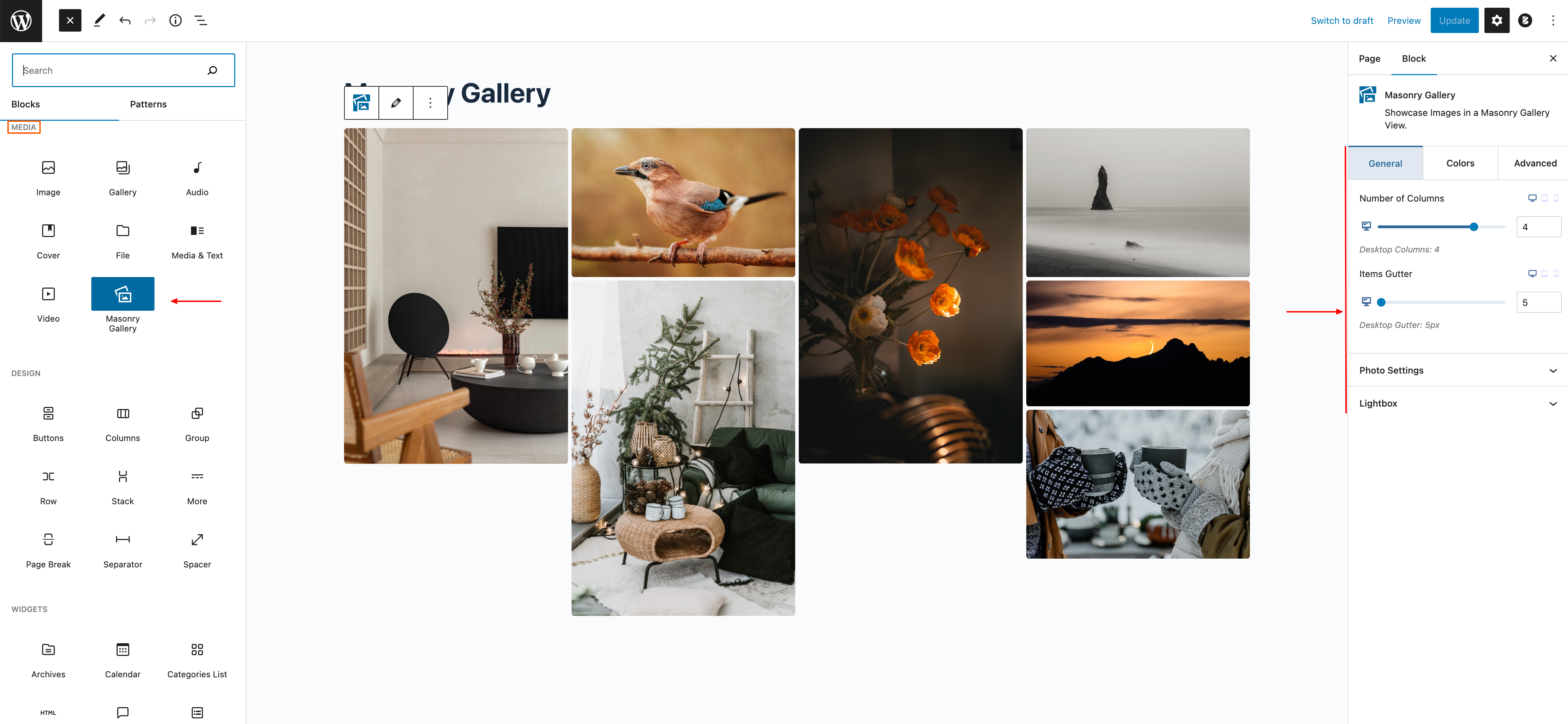


بلوکها
این افزونه 1 بلوک ارائه میدهد.
- Masonry Gallery Showcase Images in a Masonry Gallery View.
نصب
This section describes how to install the plugin and get it working.
e.g.
-
Upload the plugin files to the
/wp-content/plugins/masonry-image-gallerydirectory, or install the plugin through the WordPress plugins screen directly. -
Activate the plugin through the ‘Plugins’ screen in WordPress
-
Go to any post/page, and you will find a new category named MASONRY IMAGE GALLERY GUTENBERG BLOCK that includes the block.
-
Now simply use it.
سوالات متداول
-
Is it responsive?
-
Sure, the block is 100% responsive.
-
Is it customizable like Gutenberg Default Blocks?
-
Sure. It is highly customizable like Gutenberg default blocks.
نقد و بررسیها


توسعه دهندگان و همکاران
“Masonry Image Gallery Gutenberg Block” نرم افزار متن باز است. افراد زیر در این افزونه مشارکت کردهاند.
مشارکت کنندگان
ترجمه “Masonry Image Gallery Gutenberg Block” به زبان شما.
علاقه مند به توسعه هستید؟
Browse the code, check out the SVN repository, or subscribe to the development log by RSS.
گزارش تغییرات
2.2.0
- Fixing PHP Warning Issues
2.1.0
- Added: Image Caption
- Added: Image Style
2.0.0
- Fix Lightbox Issues
- Dynamic Gallery Id
- Responsive Columns & Gutter
- Gallery Image hover effects
- Compatible with Latest WP Version
1.0.0
- Release