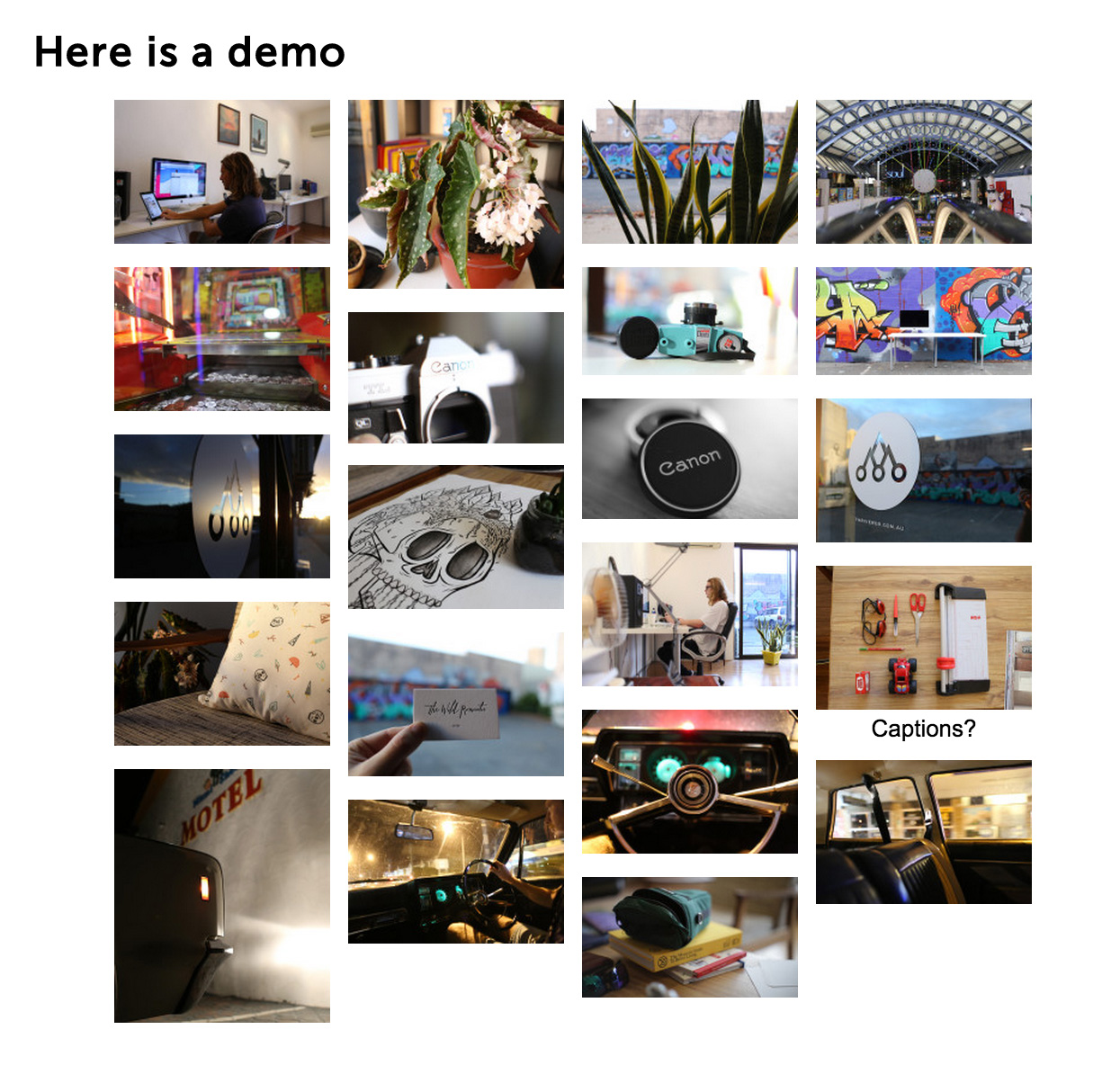
توضیحات
PhotoSwipe Masonry is an image gallery plugin for WordPress built using PhotoSwipe from Dmitry Semenov. photoswipe
PhotoSwipe Masonry takes advantage of the built in gallery features of WordPress. Simply use the WordPress admin to create a gallery and insert it in the page.
You may need to adjust the size of the thumbnails to suit your theme in the settings.
Options are under Settings > PhotoSwipe
The PhotoSwipe Masonry gallery plugin allows you to:
- Upload multiple images at once
- Easily order images via drag and drop
- Add a title and caption
Via the options panel you can modify:
- اندازه بند انگشتی
- Full image size
Some other features include:
- Keyboard control
- Supports multiple galleries
- Block editor support with a “PhotoSwipe Masonry Gallery” block, plus a Masonry option for the standard Gallery block
- Simple columns and spacing controls
How to add a masonry gallery (block editor)
- Edit a post or page and click the + (Add block) button.
- Search for “masonry” or “photoswipe” and choose PhotoSwipe Masonry Gallery. You can also type
/masonryin an empty paragraph. - Click Upload or Media Library and choose your images. Drag images in the gallery to reorder them.
- With the gallery selected, open the block settings sidebar (the gear icon, top right) and find the PhotoSwipe Masonry panel.
- Set Columns (1-8) and Spacing (0-60px).
- Save or update the page. Visitors can click any image to open it in the PhotoSwipe lightbox.
Turn an existing Gallery block into a masonry gallery
- Select the Gallery block. If a single image is selected, click the “Select parent” arrow in the toolbar to select the whole gallery.
- In the block settings sidebar, open the PhotoSwipe Masonry panel.
- Turn on Masonry layout, then set Columns and Spacing.
You can also select a Gallery block, click its icon in the toolbar and transform it into a PhotoSwipe Masonry Gallery. To go back to a standard gallery, turn Masonry layout off.
Shortcode galleries (classic editor)
Create a gallery with the Add Media button, or add a shortcode such as [gallery ids="1,2,3" columns="3"]. Existing shortcode galleries keep working as before and use the thumbnail settings under Settings > PhotoSwipe.
Good to know
- Masonry galleries show two columns on screens narrower than 650px.
- Masonry galleries always open images in the PhotoSwipe lightbox, so the Gallery “Link to” setting is ignored.
- Images must come from the Media Library. A gallery that contains an image inserted from a URL shows as a standard Gallery.
- Image captions are shown under thumbnails when “Show captions on thumbnails?” is enabled under Settings > PhotoSwipe. Captions always appear in the lightbox.
See a demo here
عکسهای صفحه


نصب
- Upload
/photoSwipe-masonry/to the/wp-content/plugins/directory - Activate the plugin through the ‘Plugins’ menu in WordPress
- In the block editor, add a PhotoSwipe Masonry Gallery block and choose your images (see “How to add a masonry gallery” above)
- Or, in the classic editor, use WordPress to create a gallery and insert it in the page
سوالات متداول
-
I can’t find the PhotoSwipe Masonry panel
-
Make sure the whole gallery is selected, not a single image inside it. The block settings sidebar only shows the panel for the Gallery block. If you’ve just updated the plugin, refresh the editor.
-
Can I change columns and spacing for each gallery?
-
Yes. Each masonry gallery has its own Columns and Spacing settings in the PhotoSwipe Masonry panel.
-
Will my existing galleries change?
-
No. Shortcode galleries and existing Gallery blocks look the same until you turn on Masonry layout for them.
نقد و بررسیها
توسعه دهندگان و همکاران
“Photoswipe Masonry” نرم افزار متن باز است. افراد زیر در این افزونه مشارکت کردهاند.
مشارکت کنندگانترجمه “Photoswipe Masonry” به زبان شما.
علاقه مند به توسعه هستید؟
کد را مرور کنید، مخزن SVN را بررسی کنید، یا از طریق RSS در گزارش توسعه مشترک شوید.
گزارش تغییرات
1.3.0
- Add a Masonry layout option to the standard Gallery block, with columns and spacing controls and an editor preview.
- Add a “PhotoSwipe Masonry Gallery” block to the block inserter.
- Masonry Gallery blocks open in the PhotoSwipe lightbox and use two columns on small screens.
- Fix the lightbox failing when an image caption contains a link.
- Existing [gallery] shortcode galleries are unchanged.
1.2.36
- Fix masonry layout on small screens: galleries now display in two columns below 650px and re-layout on resize.
- Load gallery scripts in the footer with proper dependencies, and cache-bust the inline CSS/JS on change.
- Add Requires PHP and License metadata.
1.2.35
- Update compatibility metadata after testing with WordPress 7.1.3 and PHP 8.4.
- Fix a PHP deprecation warning when initialising settings on first activation.
- Initialise masonry after the gallery markup is ready, including on block themes.
1.2.34
- Refresh the WordPress.org banners and plugin icons with abstract masonry artwork.
- Update the gallery screenshot and caption to show the current three-column masonry layout.
1.2.33
- Update the plugin release version to 1.2.33. No gallery behaviour changes.
1.2.32
- Readme update
1.2.19
- Readme update
- Added responsive styling for figure
1.2.18
- Security update
1.2.17
- Bug fix – Push error
1.2.16
- Security update
- Bug fix
1.2.15
- Security update
1.2.14
- Merge pull request from larsschellhas
- Fixed lazy load issues and updated masonry and photoswipe libraries
1.2.13
- Readme.txt update
- Security update
- Checking latest compatibility
1.2.12
- Readme.txt update
- Checking latest compatibility
1.2.11
- Small PHP error fix
1.2.10
- Readme.txt update
- Checking latest compatibility
1.2.9
- Meta update
- z-index update
1.2.8
- Meta update and testing for WP v5
1.2.7
- Warning error fix
1.2.6
- Readme and testing
- See v2 dev https://github.com/thriveweb/photoswipe-masonry-v2
1.2.4
- fix for WP 4.6.1
1.2.3
- Now runs from function to simplify AJAX support
1.2.2
- Fix loading images via url in gallery mode
- Removed sharing for single images. Will try to add in future versions.
- Code tidy
1.2.1
- Fix for captions in full screen
- Tidied code
1.2.0
- Major update with support for single images in posts
1.1.2
- Removed .entry-content img { max-width: none; }
1.1.1
- masonry enqueued call causing issues. I rolled back to old style
1.1.0
- fixed alt text
- added white theme
- added caption option
- added masonry option
- fixed masonry enqueue
- added clear css
- ie9 fix
1.0.6
- gallery load from URL (#&pid=1&gid=2) fix
1.0.5
- Yoast fix
1.0.4
- css fix
1.0.3
- photoswipe dist update
1.0.2
- photoswipe dist update
1.0.1
- This is the first version