توضیحات
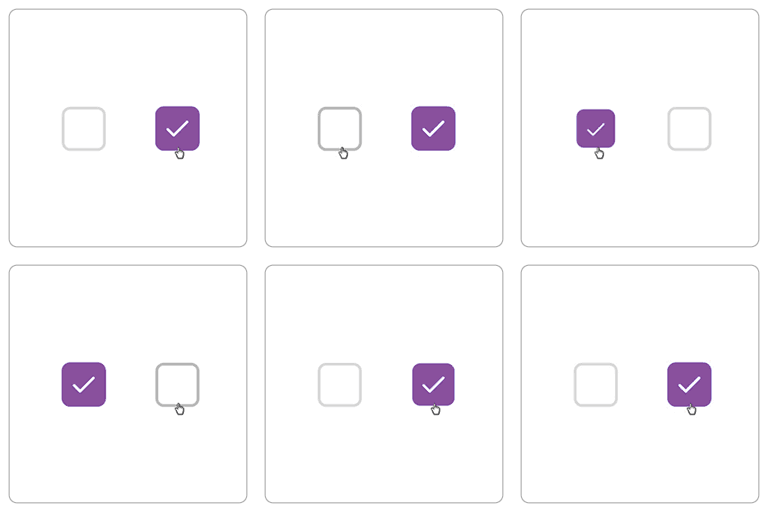
This plugin allows you to set the default state of the “Ship to a different address” checkbox on the WooCommerce checkout page.
– By default, the checkbox will be unchecked.
– To revert to WooCommerce default behavior, simply deactivate the plugin.
No settings page is required — activate and go.
نصب
-
From the WordPress Admin Panel:
- Go to Plugins Add New.
- Search for “Ship to a Different Address Checked/Unchecked for WooCommerce“.
- Click Install Now and then Activate.
-
Manually via Upload:
- Upload the
ship-to-a-different-address-checked-uncheckedfolder to/wp-content/plugins/. - Activate the plugin through the Plugins menu in WordPress.
- Upload the
سوالات متداول
-
How do I use this plugin?
-
Activate the plugin, and the “Ship to a different address” checkbox will be unchecked by default on the WooCommerce checkout page. Deactivate the plugin to revert.
-
Does this plugin require any configuration?
-
No. The plugin works immediately after activation.
نقد و بررسیها


توسعه دهندگان و همکاران
“Ship to a Different Address Checked/Unchecked for WooCommerce” نرم افزار متن باز است. افراد زیر در این افزونه مشارکت کردهاند.
مشارکت کنندگان

ترجمه “Ship to a Different Address Checked/Unchecked for WooCommerce” به زبان شما.
علاقه مند به توسعه هستید؟
کد را مرور کنید، مخزن SVN را بررسی کنید، یا از طریق RSS در گزارش توسعه مشترک شوید.
گزارش تغییرات
1.1
- Improved compatibility with WooCommerce 10.1.2 and PHP 8.3
- Minor code optimizations
1.0.0
- Initial release: default “Ship to a different address” checkbox unchecked