
توضیحات
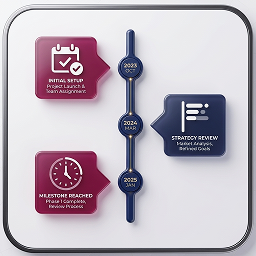
Nuvora Timeline Elementor adds a fully customizable, animated timeline widget to Elementor. Display events, milestones, or history in a visually stunning way with support for multiple color schemes, animation delays, and icons.
Features:
- 3 Color Schemes: Purple/Pink, Blue, and Green
- Smooth fadeInUp animations with customizable delays
- Fully responsive — looks great on all devices
- Simple drag-and-drop interface in Elementor
- Control animation, width, and individual item settings
- Icon support via LineIcons library
- Unlimited timeline items
License
This plugin is licensed under the GPLv2 or later.
License URI: https://www.gnu.org/licenses/gpl-2.0.html
عکسهای صفحه
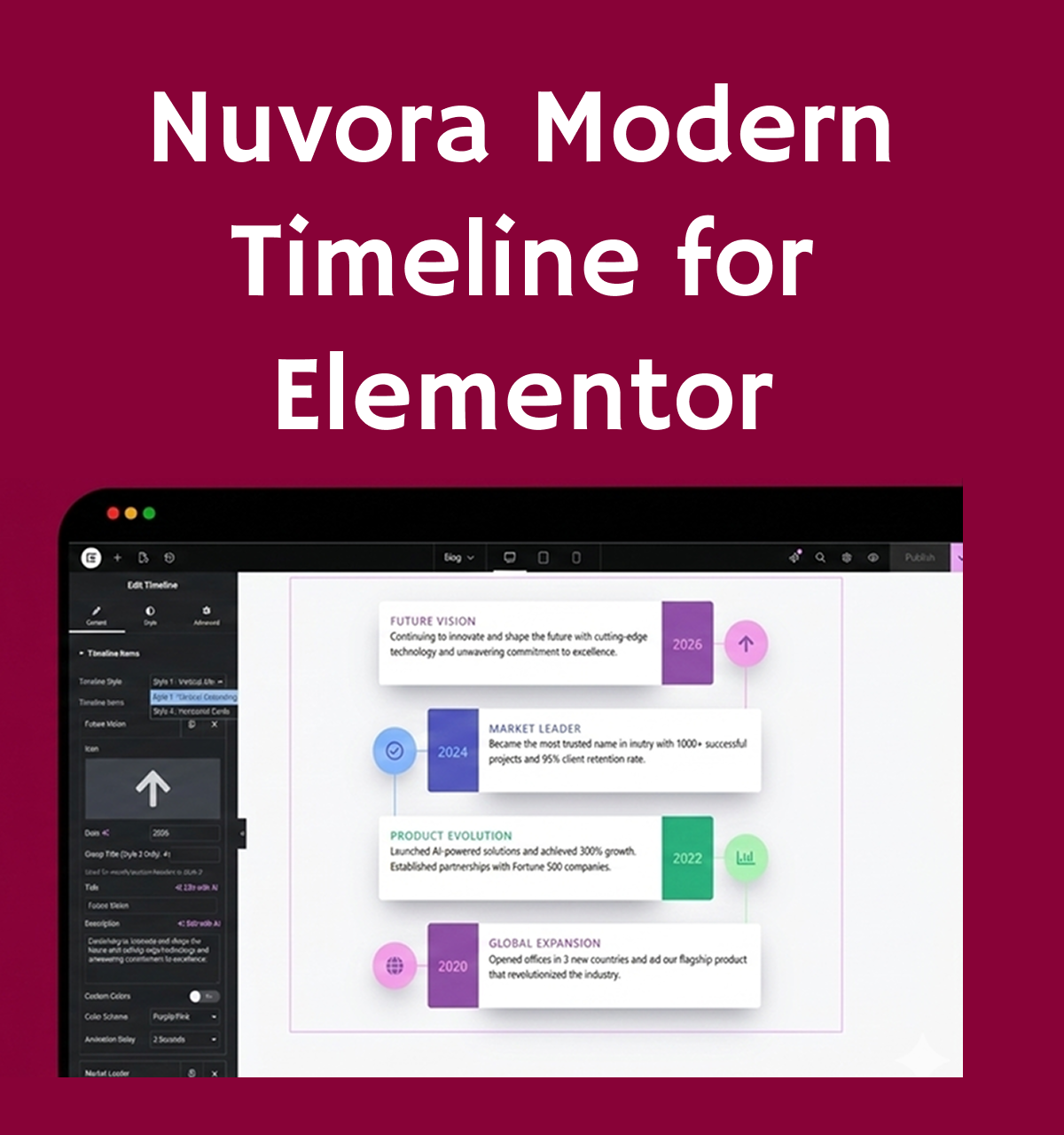
Modern Timeline widget overview – clean vertical layout with colorful cards, icons, dates, and content blocks designed for Elementor.
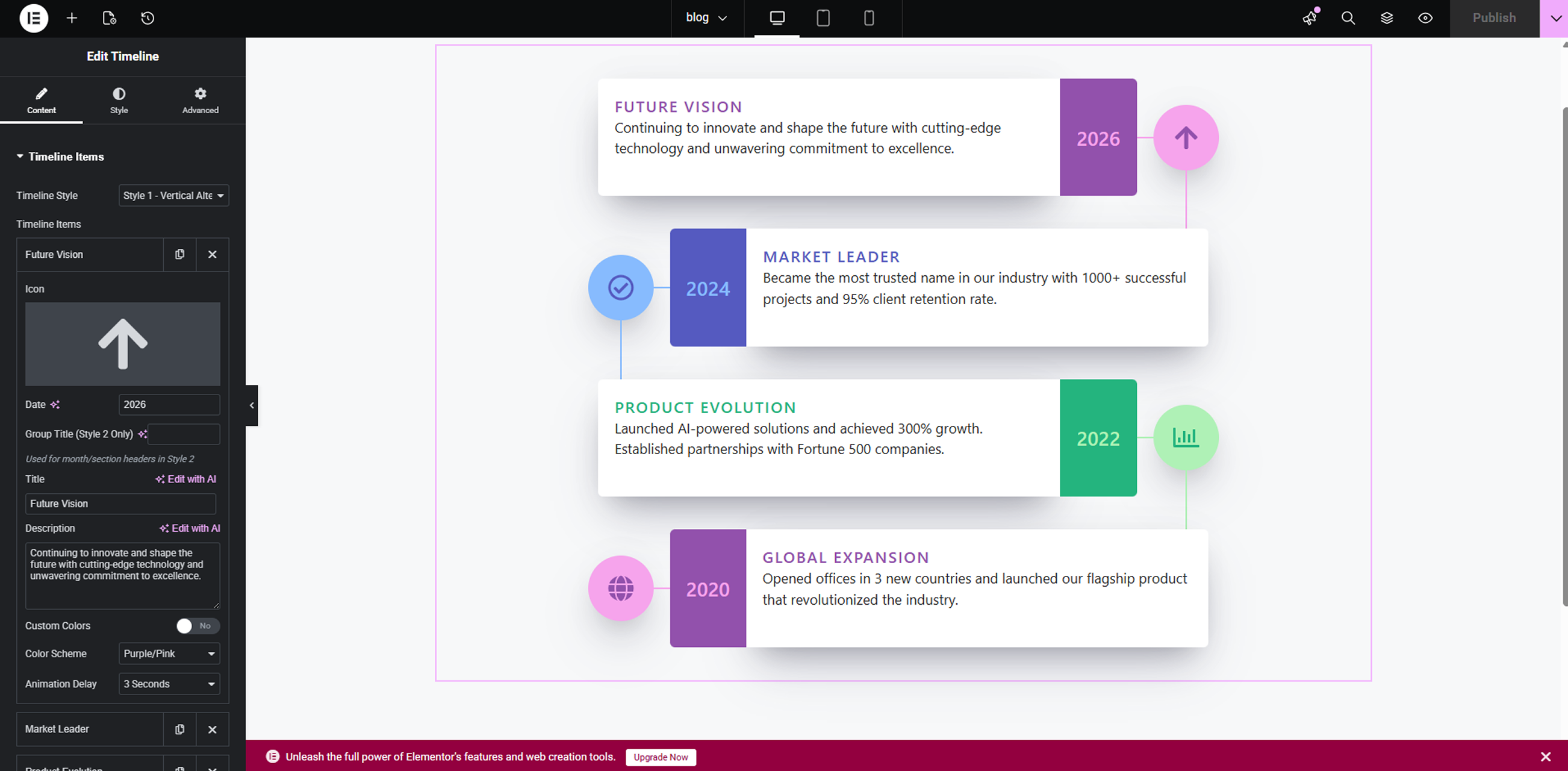
Timeline editor interface in Elementor – showing repeater fields for adding timeline items, with customizable styles, colors, and animations.
Horizontal timeline variation – responsive horizontal scrolling layout with modern connectors and highlighted events.
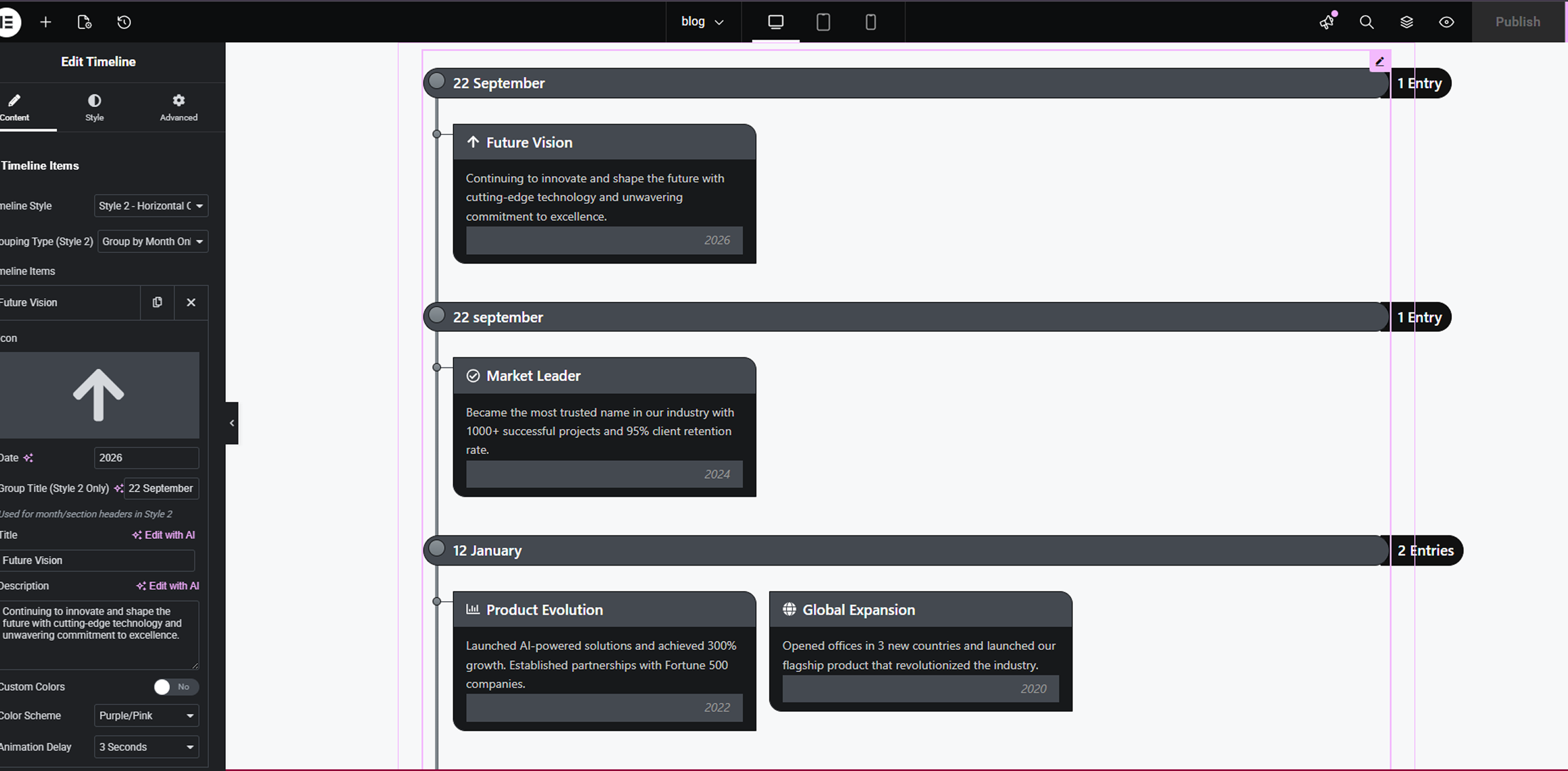
Single timeline item customization – detailed settings panel for title, date, description, icon/image, and connector styling.
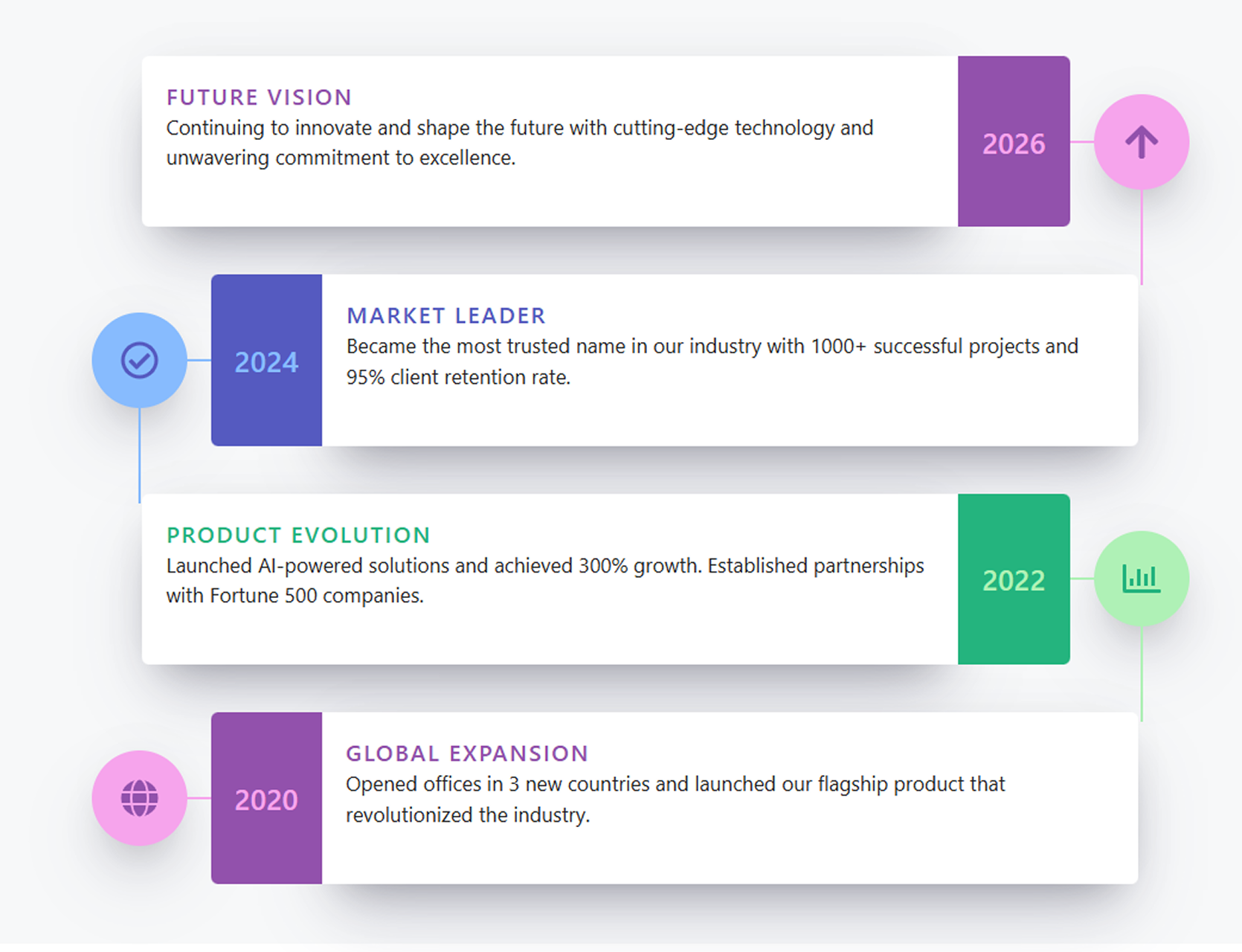
Animated timeline in action – example of scroll-based animations, hover effects, and purple/green accent styling on frontend.
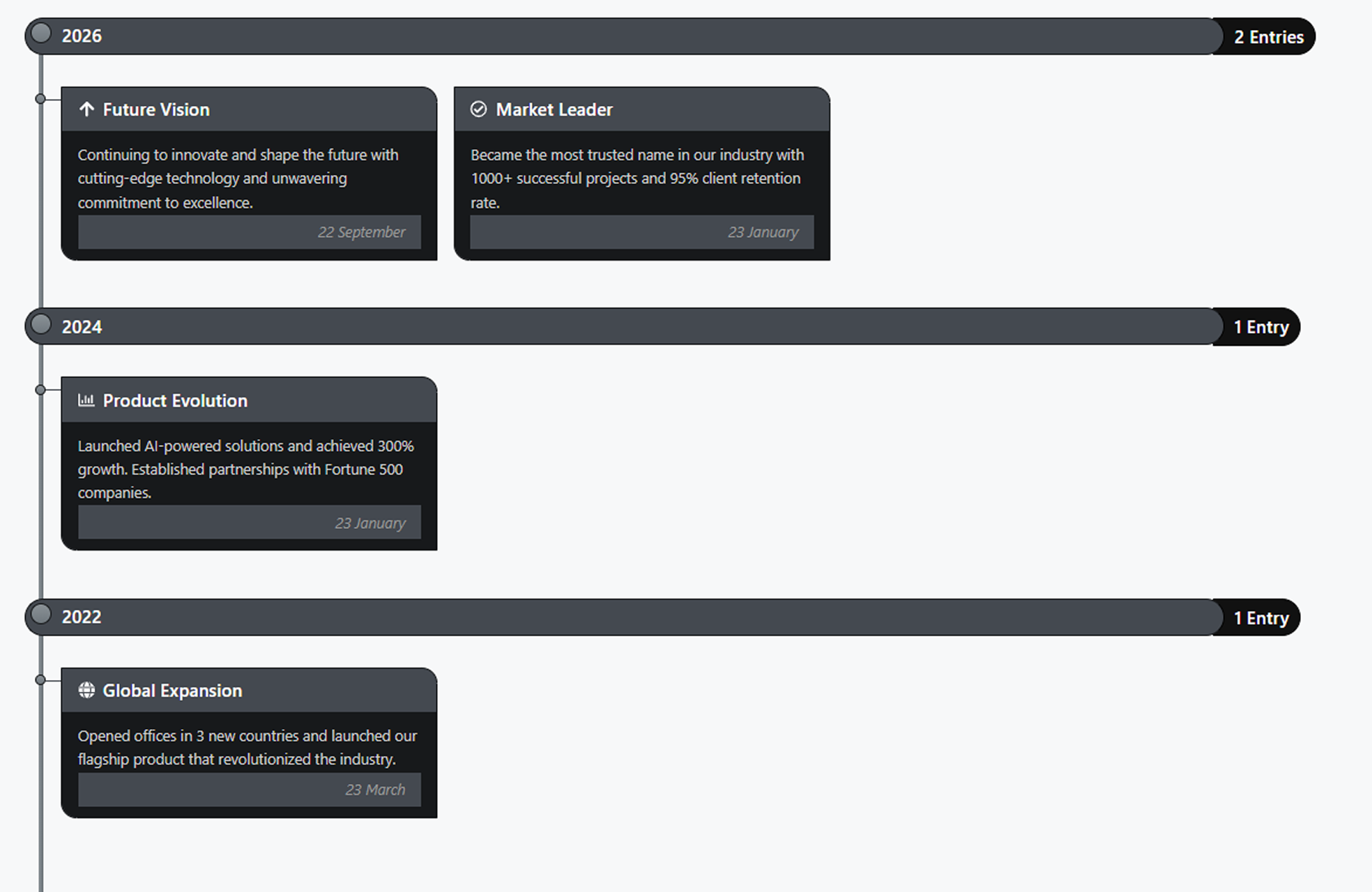
Multiple timeline styles preview – side-by-side comparison of different design presets, card layouts, and color schemes available in the widget.
نصب
- Upload the
nuvora-timeline-for-elementorfolder to the/wp-content/plugins/directory, or install via Plugins > Add New > Upload Plugin. - Activate the plugin through the Plugins menu in WordPress.
- Open any page or post in Elementor, search for Timeline in the widget panel, and drag it onto your page.
سوالات متداول
-
Does this require Elementor?
-
Yes. Elementor 3.0.0 or higher must be installed and activated.
-
Can I add unlimited timeline items?
-
Yes, the repeater field allows you to add as many timeline events as needed.
-
How do I change the colors?
-
Each timeline item has a Color Scheme selector (Purple/Pink, Blue, Green). You can also enable custom colors per item.
نقد و بررسیها
نقد و بررسیای برای این افزونه یافت نشد.
توسعه دهندگان و همکاران
“Nuvora Timeline for Elementor” نرم افزار متن باز است. افراد زیر در این افزونه مشارکت کردهاند.
مشارکت کنندگان
ترجمه “Nuvora Timeline for Elementor” به زبان شما.
علاقه مند به توسعه هستید؟
کد را مرور کنید، مخزن SVN را بررسی کنید، یا از طریق RSS در گزارش توسعه مشترک شوید.
گزارش تغییرات
1.0.0
- Initial release.
- 3 color schemes.
- Animated timeline.
- Fully responsive.
- Elementor integration.