
توضیحات
A standard wordpress plugin that helps you add multiple widgets to navigation menu item.
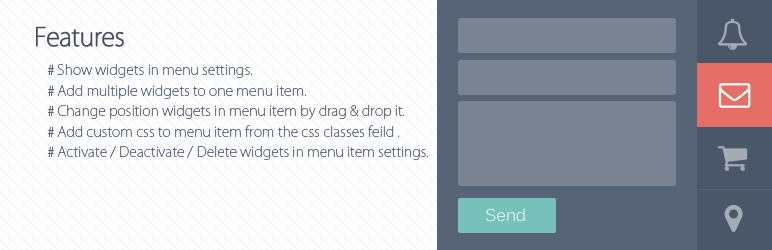
Features
- Show widgets in menu settings.
- Add multiple widgets to one menu item.
- Change position widgets in menu item by drag & drop it.
- Add custom css to menu item from the css classes feild in menu settings, the css classes starts to ‘menu-item will’ appends in “li” tag and the rest of appends to “i” tag.(eg: )
Activate / Deactivate / Delete widgets in menu item settings.
عکسهای صفحه

Show the Menubar area in widgets section. 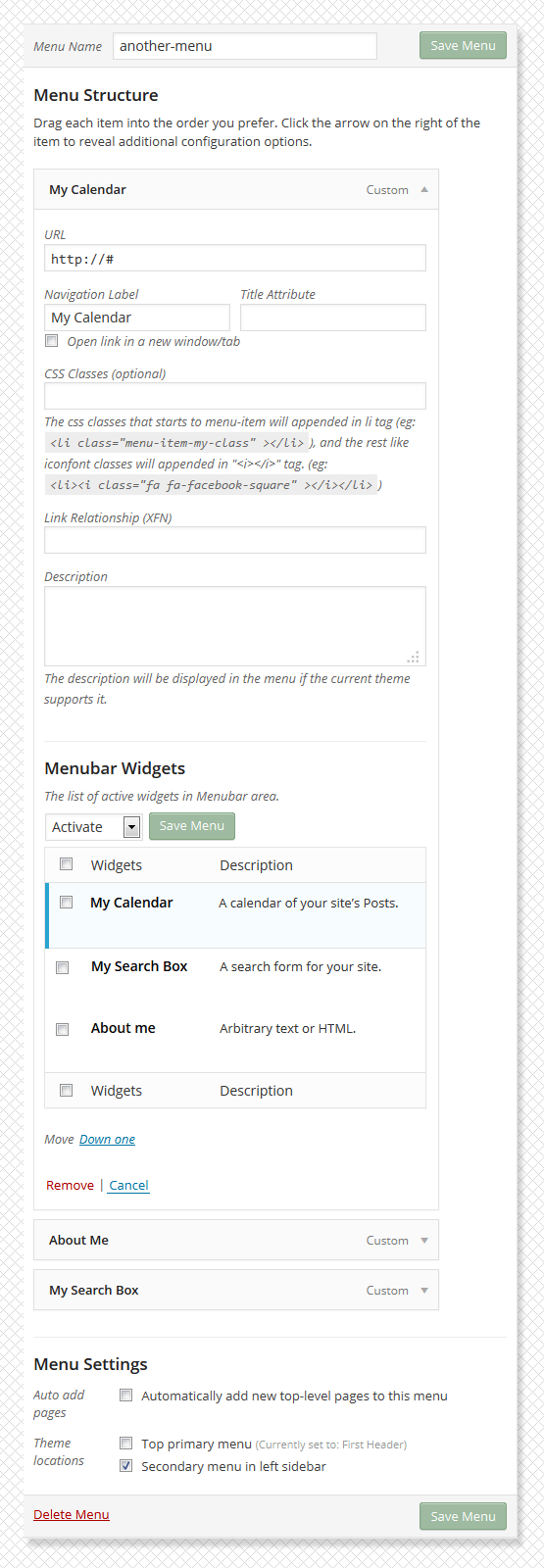
Menu item settings. 
Show the widgets front-end in navigation menu. 
Menubar Widgets list.
نصب
- Download the latest version Menubar Widgets, or copy it to local by
git clone https://bitbucket.org/khosroblog/menubar-widgets.git - Move the menubar-widgets folder in the
wp-content/pluginsdirectory. - Navigate to the Plugins dashboard page.
- Activate the plugin Menubar Widgets.
سوالات متداول
You can to use this link for support and error reporting.
- https://bitbucket.org/khosroblog/menubar-widgets/issues/
نقد و بررسیها

3 سپتامبر 2016
1 پاسخ
This is an amazing plug in – I can’t believe that it is free!! After a few teething problems, I got it to work. And replies to questions were very fast – great support. Thank you.
توسعه دهندگان و همکاران
“Menubar Widgets” نرم افزار متن باز است. افراد زیر در این افزونه مشارکت کردهاند.
مشارکت کنندگان
ترجمه “Menubar Widgets” به زبان شما.
علاقه مند به توسعه هستید؟
Browse the code, check out the SVN repository, or subscribe to the development log by RSS.
گزارش تغییرات
v0.1.0
- Initial release.