

توضیحات
Product page | Documentation | Support
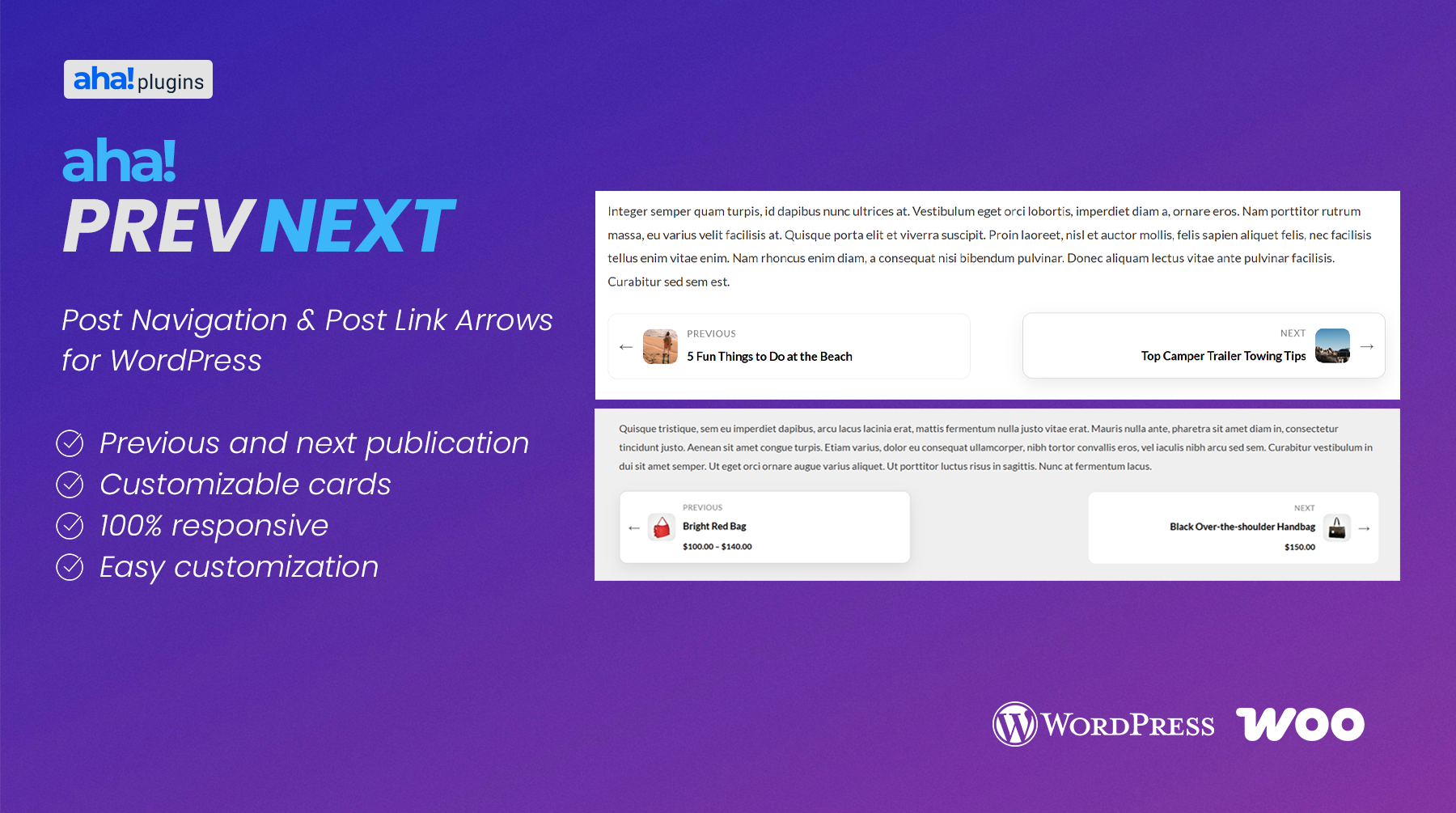
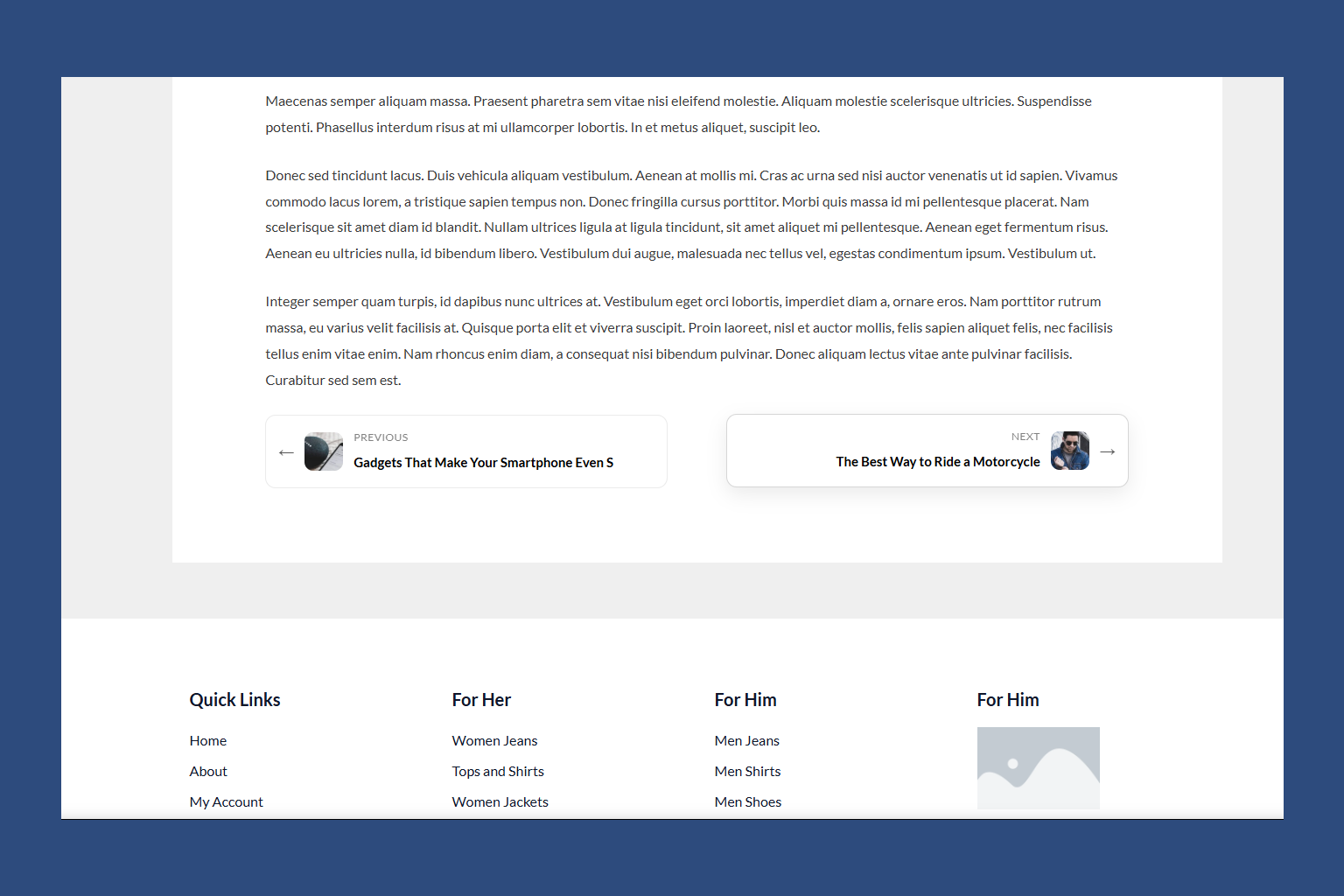
Aha Prev Next is a lightweight, responsive post navigation plugin that replaces boring text links with beautiful previous/next preview cards. Keeping visitors engaged on your site is key to reducing bounce rates, and showing them visual previews of the next or previous articles is the most effective way to encourage deeper reading.
Whether you run a blog, a news site, or want to show page transitions, Aha Prev Next integrates seamlessly into your setup. It works automatically at the end of posts or pages, and also includes a highly configurable shortcode for builders.
Why Choose Aha Prev Next?
Most themes display simple previous/next text links that visitors easily ignore. Aha Prev Next turns those links into interactive call-to-actions:
- 📐 Two Layout Options — Display card links inline before or below your content.
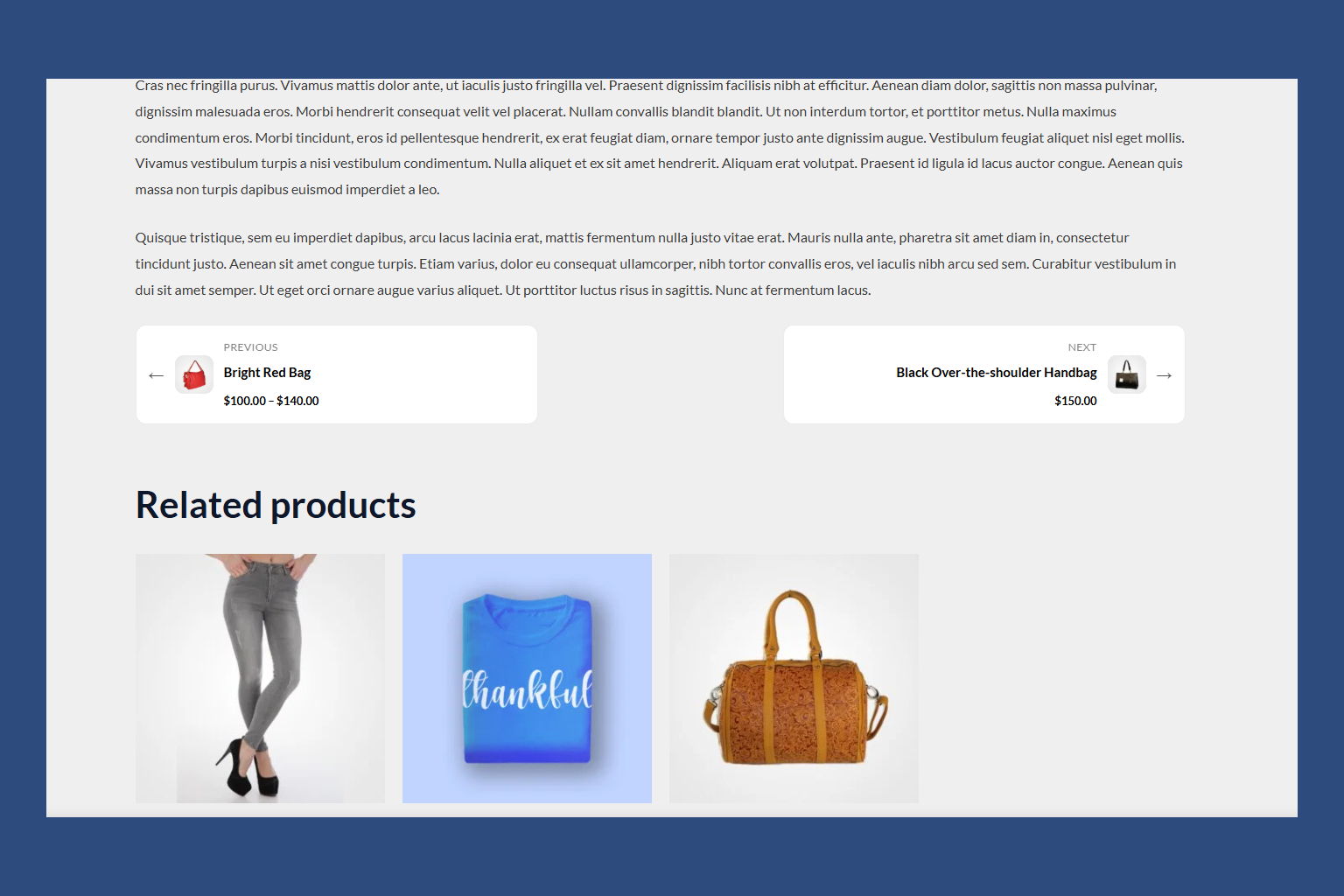
- 🛍️ WooCommerce Hook Integration — Choose standard product page hooks (like after product summary or tabs) to render navigation links.
- 🖼️ Thumbnail Support — Automatically displays the post’s featured image to capture visual interest.
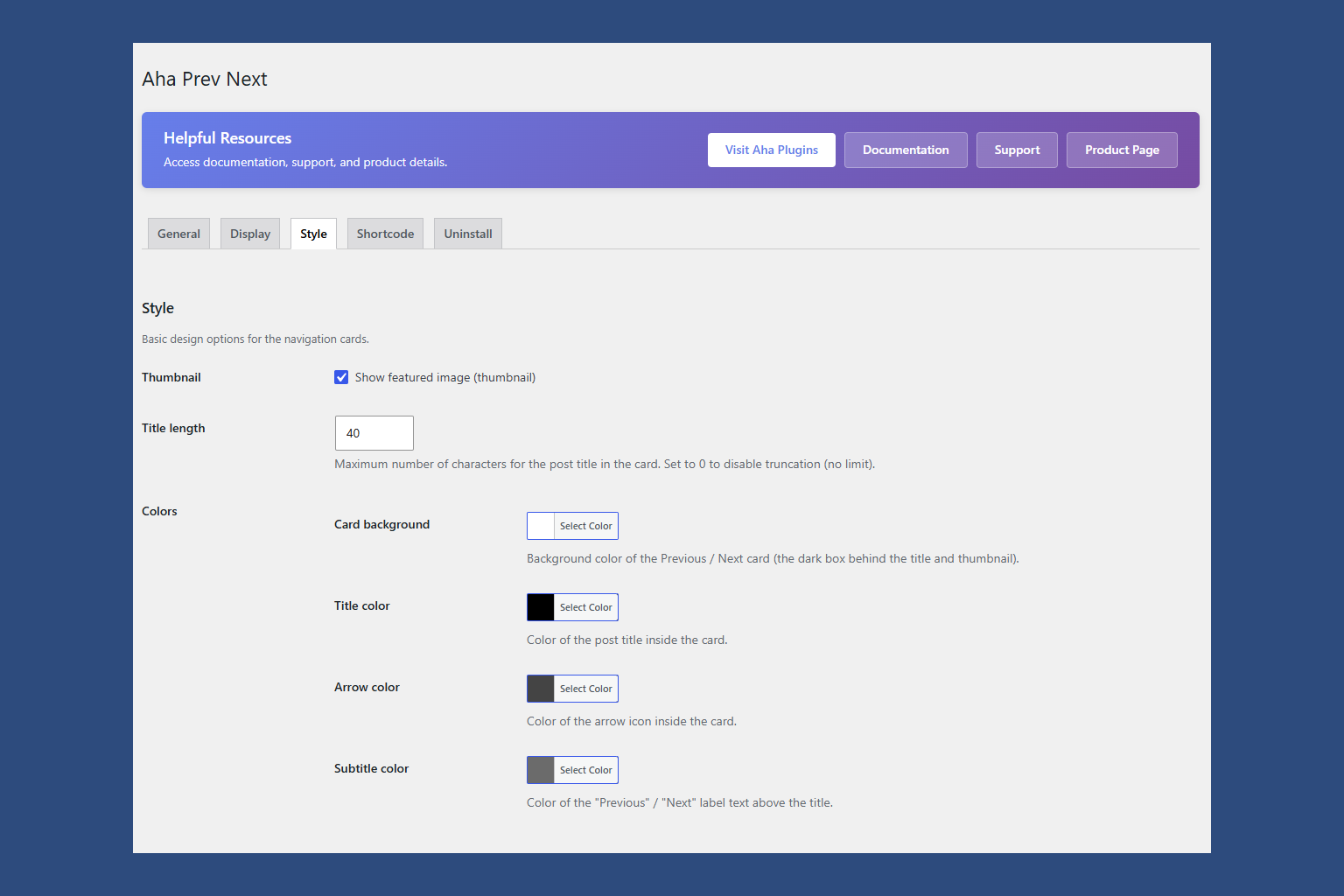
- 🎨 Fully Customizable — Set custom background, title, and label colors directly from the admin dashboard with zero coding.
- 📱 Mobile Responsive — Adapts perfectly to mobile devices, tablets, and desktop viewports.
- ⚙️ Automatic Insertion — Automatically appends to your chosen post types without modifying template files.
- 🧩 Shortcode Power — Place
[aha_prev_next]anywhere inside page builders (like Elementor or Gutenberg block templates) with custom parameter overrides.
Perfect For
- Blogs wanting to guide readers to the next logical article.
- Portfolio websites seeking elegant navigation between projects.
- WooCommerce stores needing a sleek previous/next transition between products (via custom post types filter).
- Content creators looking to improve pages-per-session metrics.
How It Works
- Activate the plugin and go to Aha Prev Next in your WordPress admin menu.
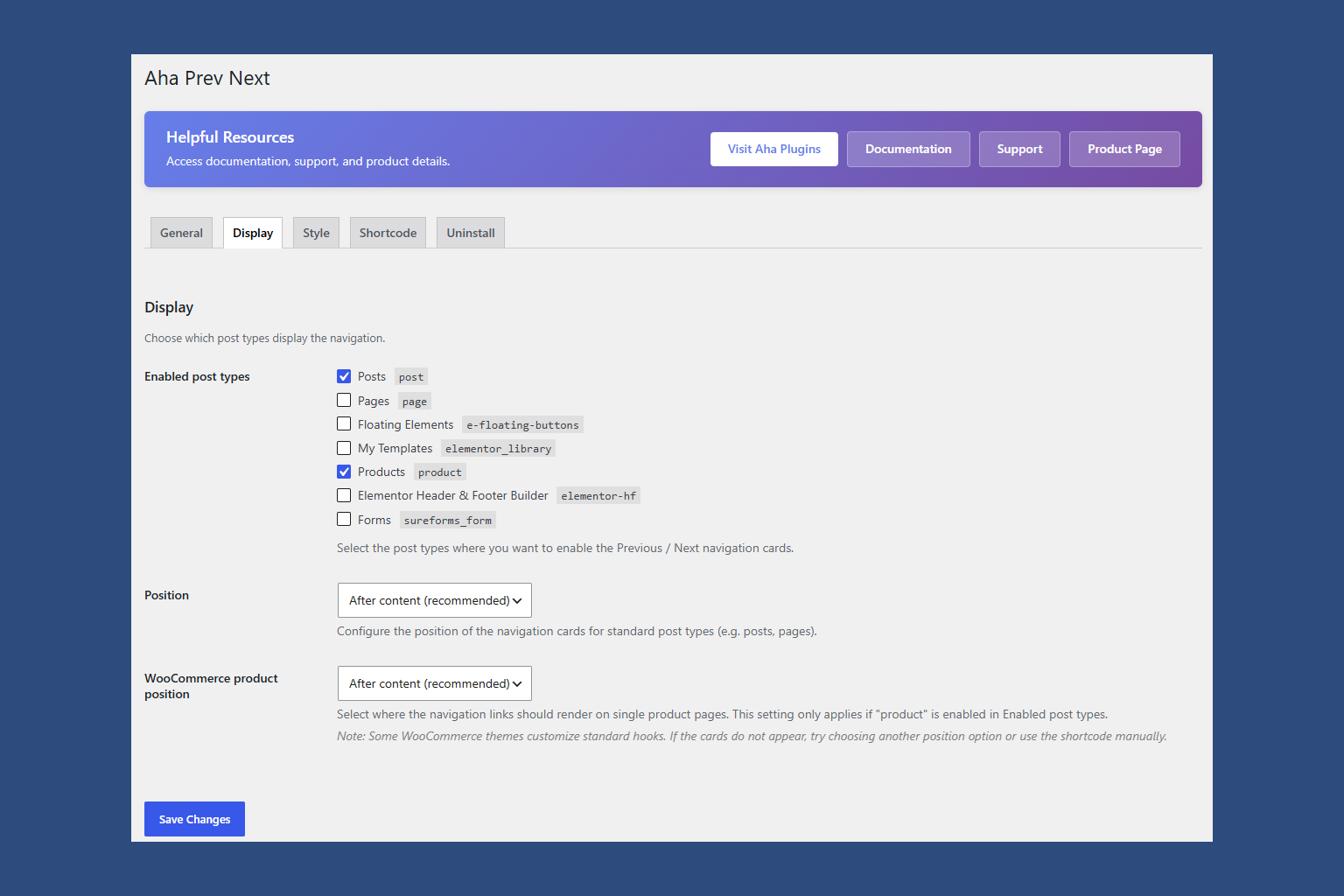
- Select your layout position (Before Content or After Content) or choose a WooCommerce product page hook, and set your design colors.
- Choose the post types where the navigation should appear.
- Save settings! The plugin automatically appends to the post types, or you can use
[aha_prev_next]to manually place it in custom templates.
Available Layouts
Aha Prev Next ships with two completely free inline layouts:
- Before Content (Free) — Beautiful inline navigation cards rendered at the beginning of your content area.
- After Content (Free) — Beautiful inline navigation cards rendered at the end of your content area.
Shortcodes
Use [aha_prev_next] to display the navigation cards anywhere in your content.
Optional attributes (any combination):
position— “above” or “below” (overrides active layout setting).show_thumbnail— “1” or “0” (shows or hides post featured image).title_length— integer between 10 and 120 (trims title character count).
Example: [aha_prev_next position="below" show_thumbnail="1" title_length="35"]
Translations
The official language of the plugin is English. The following translations are included out of the box:
- Português do Brasil (pt_BR) — Brazilian Portuguese translation.
- Español (es_ES) — Spanish (Spain) translation.
عکسهای صفحه
نصب
- Upload the
aha-prev-nextfolder to/wp-content/plugins/. - Activate the plugin through the Plugins screen in WordPress.
- Go to Aha Prev Next in your dashboard to choose your layout and colors.
سوالات متداول
-
Yes! Aha Prev Next is a post navigation plugin that replaces the default text links with beautiful preview cards.
-
Can I use this on custom post types?
-
By default, the plugin supports Posts and Pages. However, developers can easily unlock custom post types (like portfolios, events, or WooCommerce products) by using the
aha_prev_next_allowed_post_typesfilter in their child theme’sfunctions.php. -
Does it support featured images?
-
Yes. You can enable or disable featured images (thumbnails) inside the Style tab. If the adjacent post has a featured image, it will display as a thumbnail inside the navigation card.
-
Can I change the colors of the cards?
-
Absolutely. The settings page allows you to set custom color values for the card background, the post title, and the section label text.
-
You can check/uncheck post types in the settings, or use the
aha_prev_next_auto_enabledfilter to disable auto-insertion on a per-page basis.
نقد و بررسیها
نقد و بررسیای برای این افزونه یافت نشد.
توسعه دهندگان و همکاران
“Aha Prev Next – Post Navigation & Post Link Arrows” نرم افزار متن باز است. افراد زیر در این افزونه مشارکت کردهاند.
مشارکت کنندگان
ترجمه “Aha Prev Next – Post Navigation & Post Link Arrows” به زبان شما.
علاقه مند به توسعه هستید؟
کد را مرور کنید، مخزن SVN را بررسی کنید، یا از طریق RSS در گزارش توسعه مشترک شوید.
گزارش تغییرات
1.0.0
- Initial release.
- Added translations for pt_BR and es_ES.
- Added Before Content and After Content layout styles.
- Added WooCommerce hooks integration and dynamic custom colors.