
توضیحات
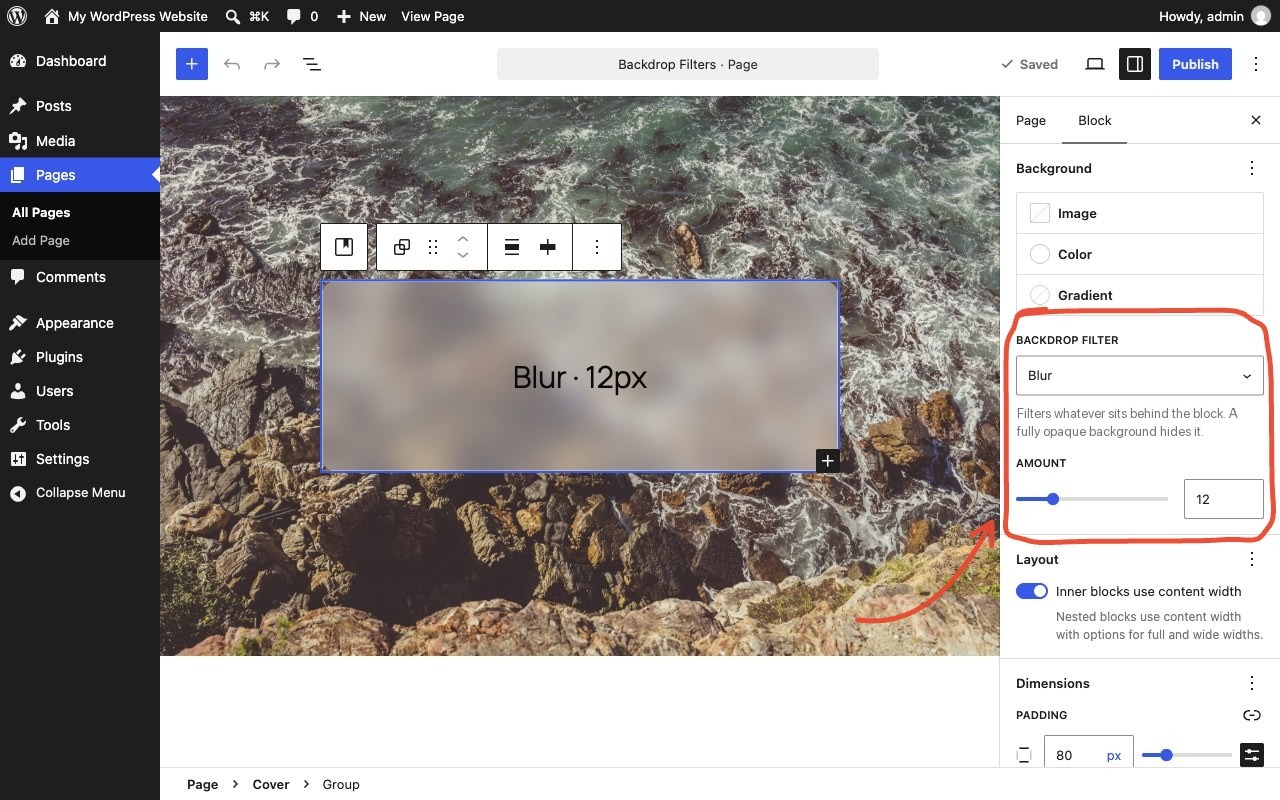
Select a block that sits on top of something, such as a cover image, a photo or scrolling content. Pick a Backdrop filter just below its background color setting and set the amount. Whatever is behind the block gets filtered, giving frosted glass, dimmed, black-and-white or tinted looks.
The block doesn’t need a background color of its own. Leave it empty to see the filter on its own, or add a semi-transparent color to tint it.
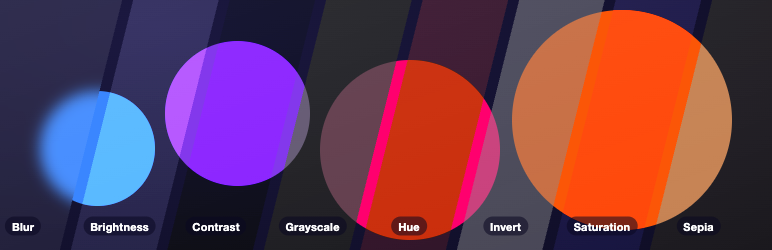
Filters: Blur, Brightness, Contrast, Grayscale, Hue, Invert, Saturation and Sepia.
- Works on every block with a background color setting, such as Group, Columns, Buttons, Quote and Search.
- Previews live in the editor.
- Adds the style when the page renders and saves nothing extra into your post content. If you deactivate the plugin, your blocks stay valid and simply lose the filter.
- No settings page, no front-end scripts, no data stored.
Blocks that already support backdrop filters natively are left alone. Theme presets referenced as var:preset|backdrop-filter|{slug} are rendered too.
Source code and issues: github.com/jobthomas/glass-act. The editor script in build/ is minified; its unminified source is in src/ in that repository, built with @wordpress/scripts (npm install && npm run build).
عکسهای صفحه
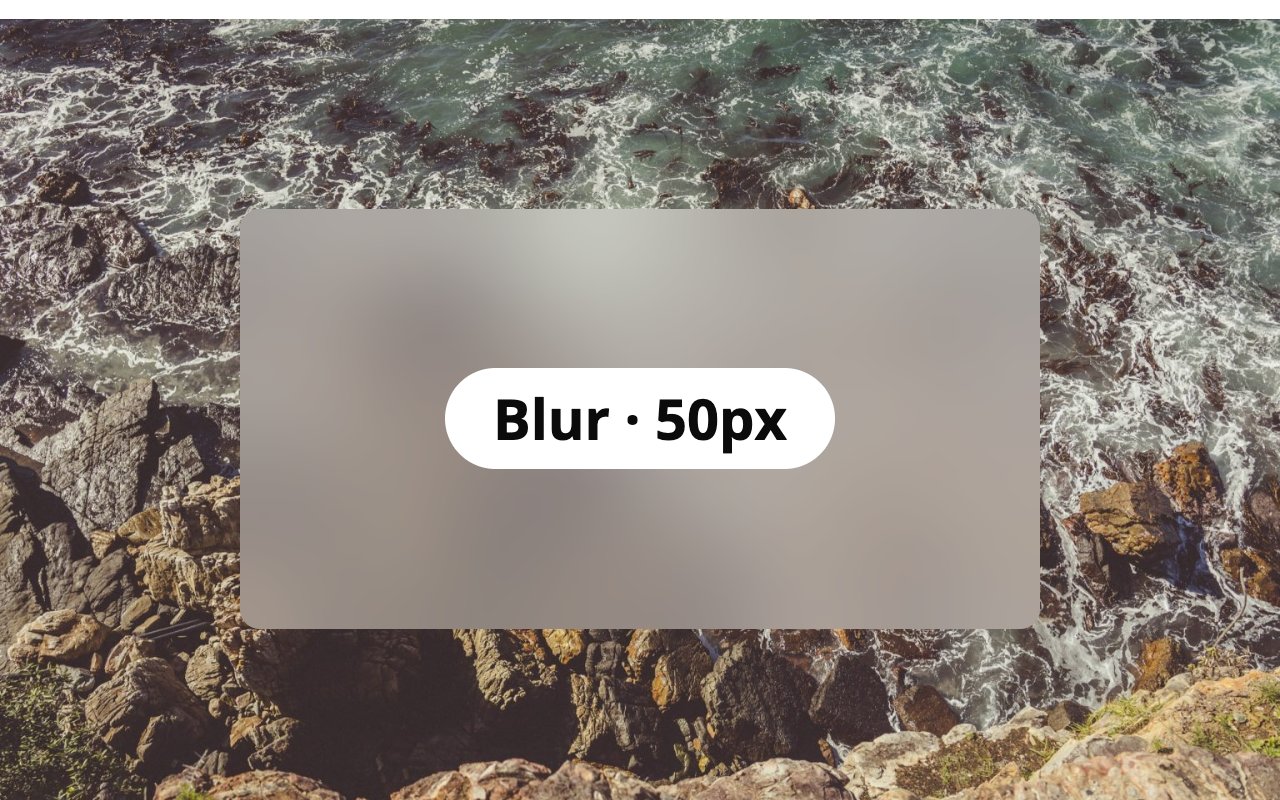
blur(50px).
brightness(200%).
contrast(200%).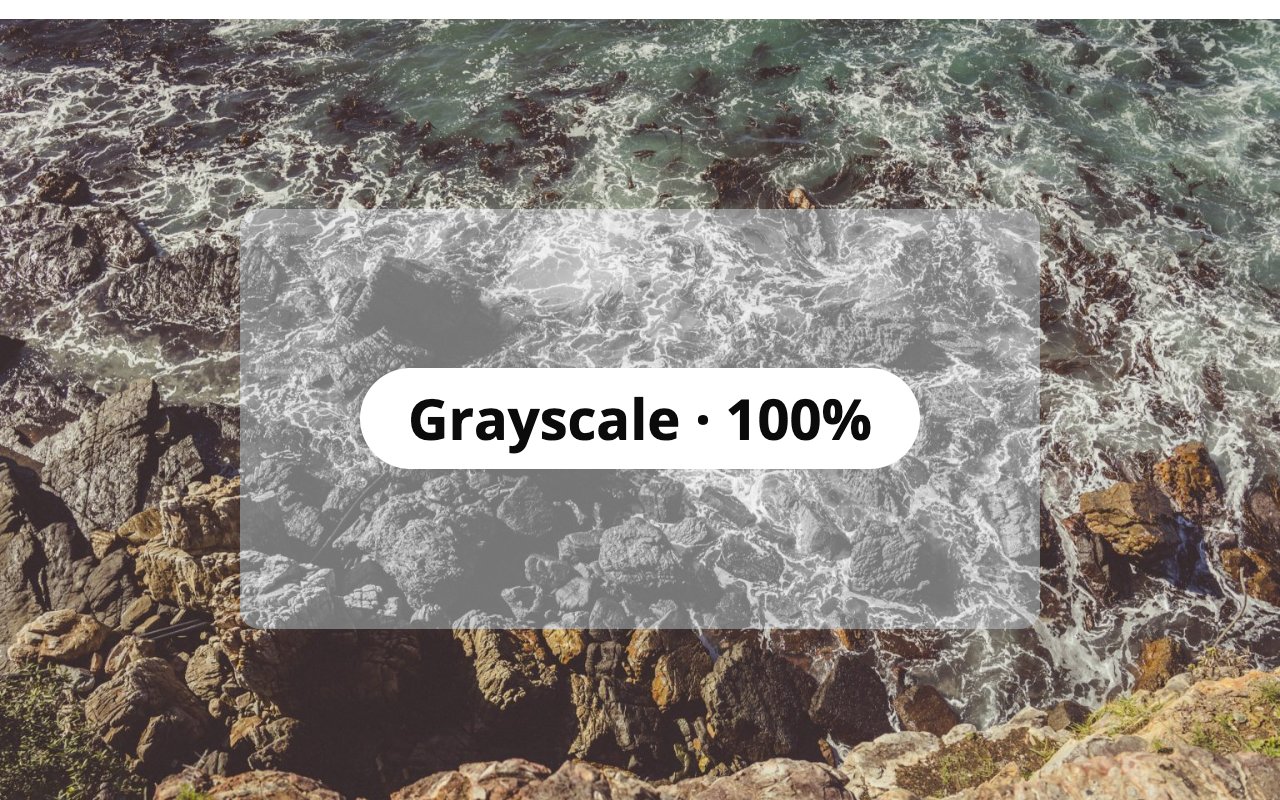
grayscale(100%).
hue-rotate(180deg). Halfway round the color wheel; a full 360deg turn looks the same as none.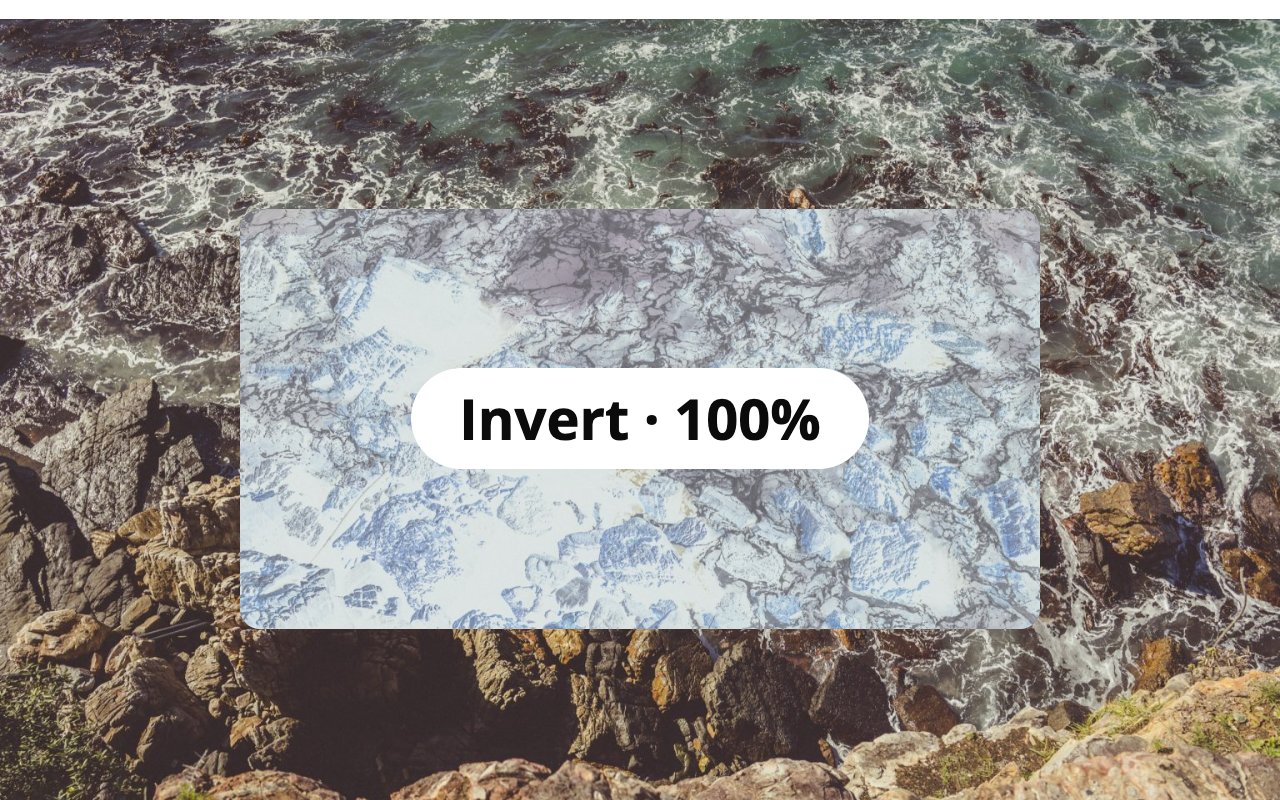
invert(100%).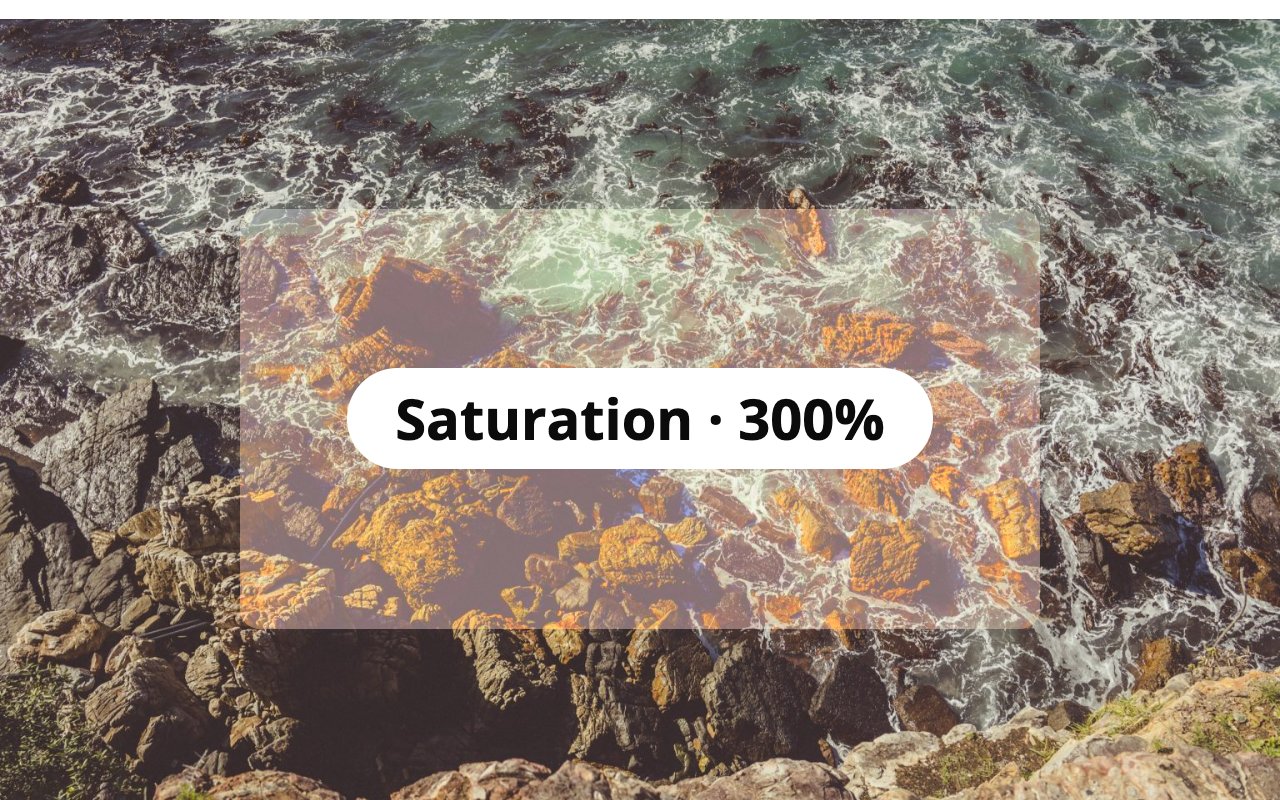
saturate(300%).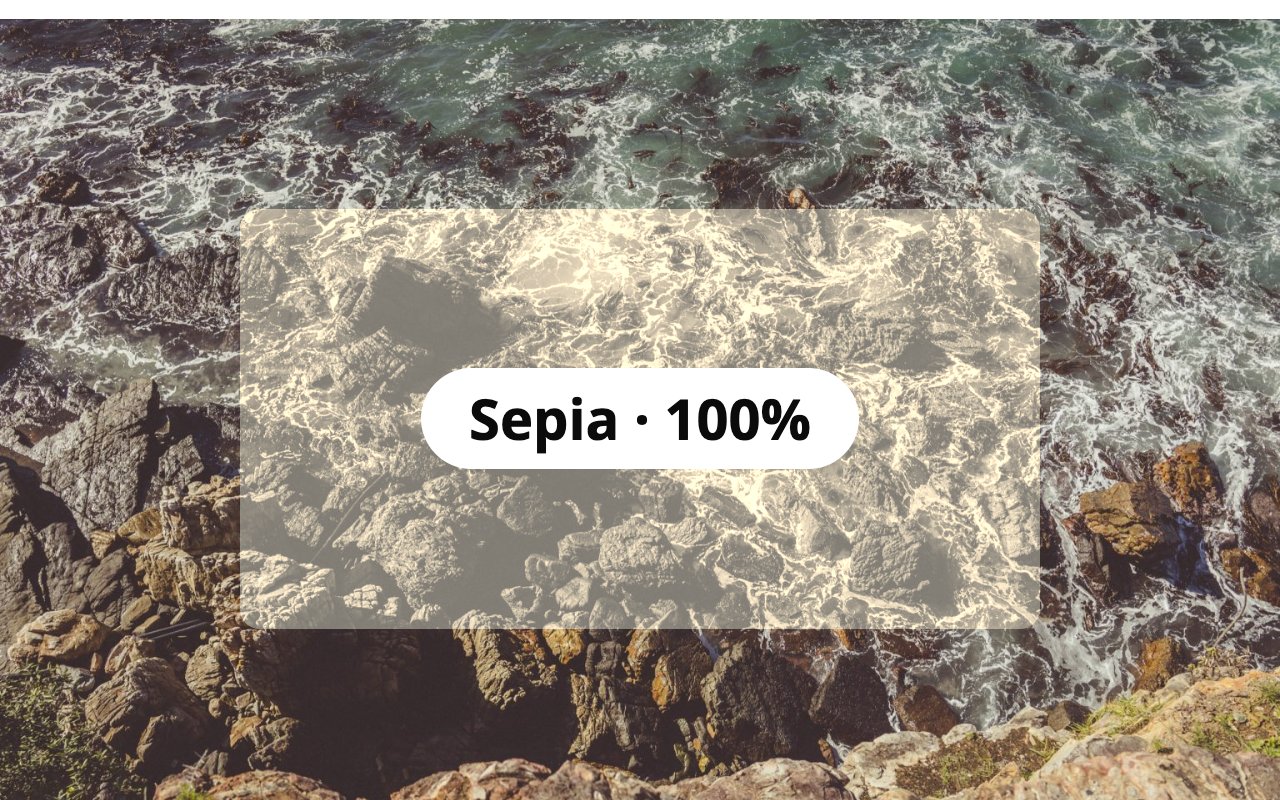
sepia(100%).نصب
- Install from Plugins Add New, or upload the plugin folder to
/wp-content/plugins/. - Activate it.
- Select a block that sits on top of an image or other content, then choose a Backdrop filter and amount just below its background color setting.
سوالات متداول
-
I picked a filter but nothing changes
-
A backdrop filter changes what is visible behind the block, so something has to sit behind it, such as a cover image or a photo. A fully opaque background color also hides the effect: leave the background empty or make it semi-transparent.
-
Does it work in every browser?
-
It uses the CSS
backdrop-filterproperty, which current versions of Chrome, Edge, Firefox and Safari support. Browsers without support show the block without the filter. -
Can filters be heavy on performance?
-
Large blur values on big areas can cost rendering time on low-powered devices. Blur values up to about 20px are usually plenty.
نقد و بررسیها
نقد و بررسیای برای این افزونه یافت نشد.
توسعه دهندگان و همکاران
“Glass Act – Backdrop Filters for Blocks” نرم افزار متن باز است. افراد زیر در این افزونه مشارکت کردهاند.
مشارکت کنندگان
ترجمه “Glass Act – Backdrop Filters for Blocks” به زبان شما.
علاقه مند به توسعه هستید؟
کد را مرور کنید، مخزن SVN را بررسی کنید، یا از طریق RSS در گزارش توسعه مشترک شوید.
گزارش تغییرات
1.0.0
- First release.