
توضیحات
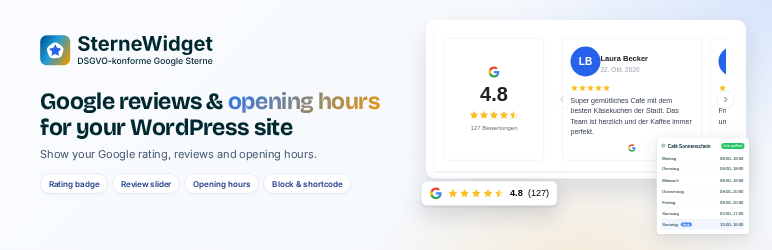
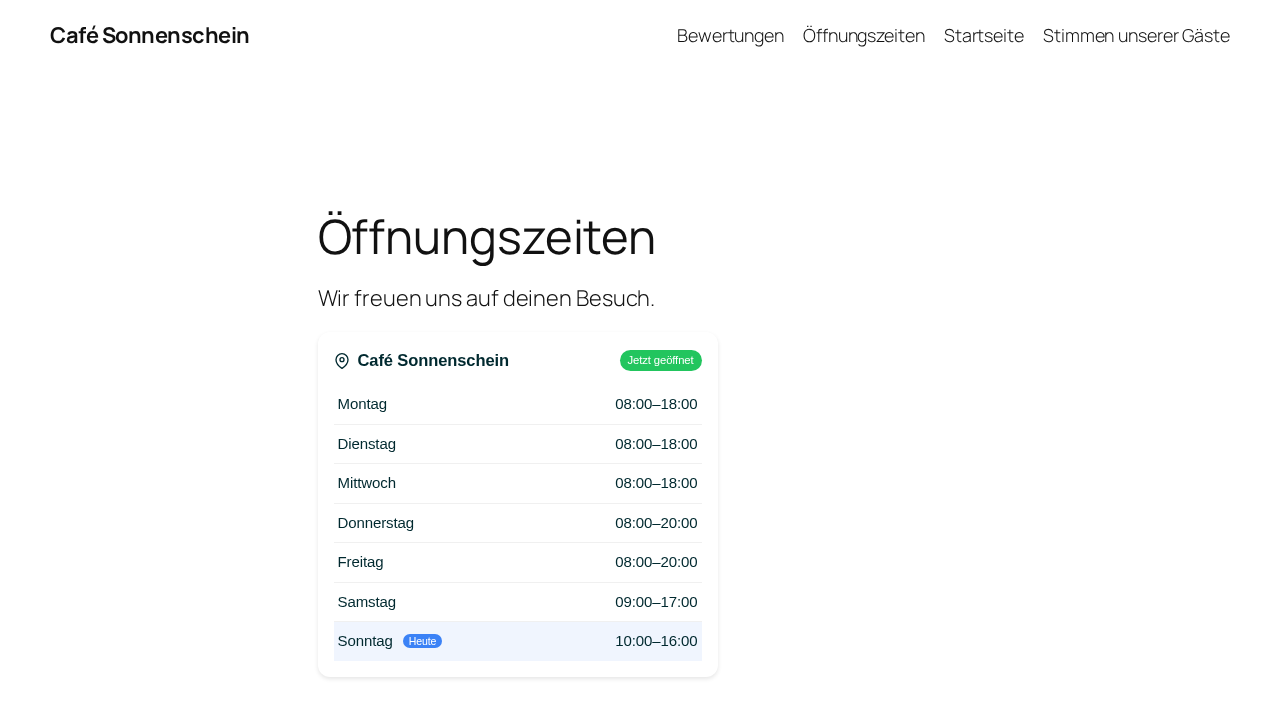
SterneWidget displays your Google Business rating, a slider with your latest reviews, or your current opening hours on your WordPress site. You design the widget once in your SterneWidget dashboard – this plugin embeds it with a Gutenberg block or a shortcode.
SterneWidget (sterne-widget.de) is developed and operated by fuxdev GmbH, the author of this plugin.
Why SterneWidget?
- Privacy-friendly: Your visitors’ browsers never connect to Google. Reviews and photos are fetched and cached server-side by SterneWidget and delivered by SterneWidget. Widget data is processed in Frankfurt (EU) by SterneWidget’s US-based hosting provider Vercel Inc. (global CDN). No cookies and nothing stored in the visitor’s browser.
- Lightweight: The plugin adds no CSS or JavaScript of its own to your front end. The widget script is loaded asynchronously and only on pages that contain a widget.
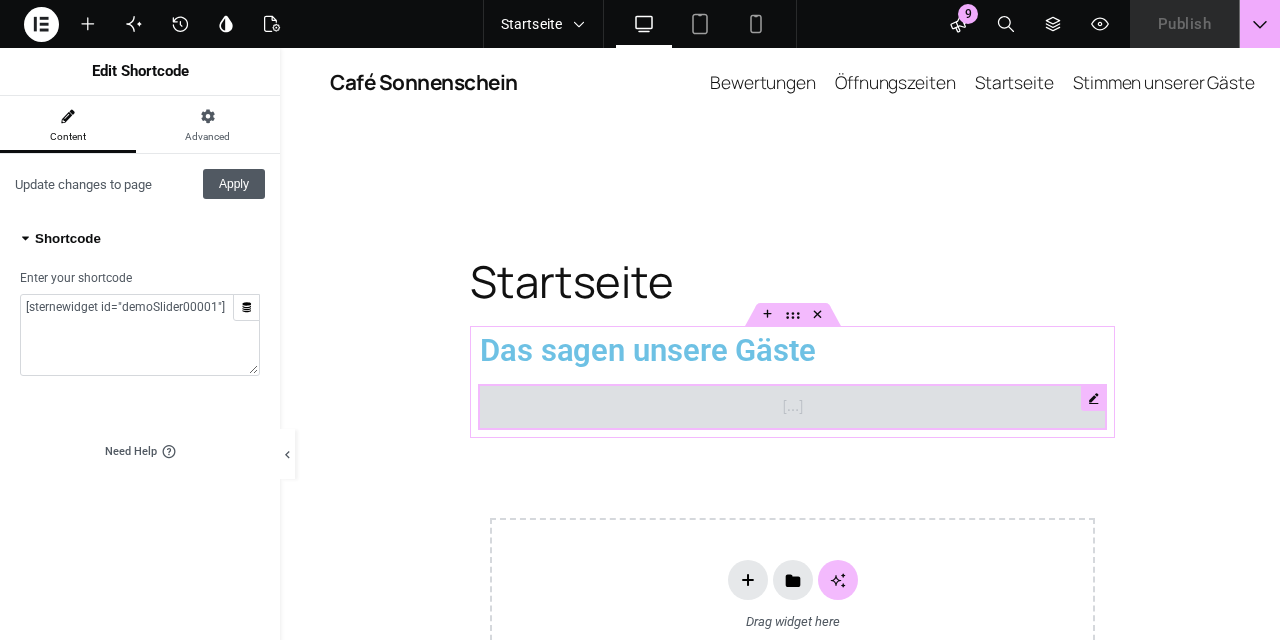
- Works everywhere: Block editor, block themes (Site Editor), widget areas, Classic Editor, and page builders such as Elementor, Divi, WPBakery, Bricks or Beaver Builder via shortcode.
- Always up to date: Ratings, reviews and opening hours are refreshed automatically.
Widget types (configured in the SterneWidget dashboard)
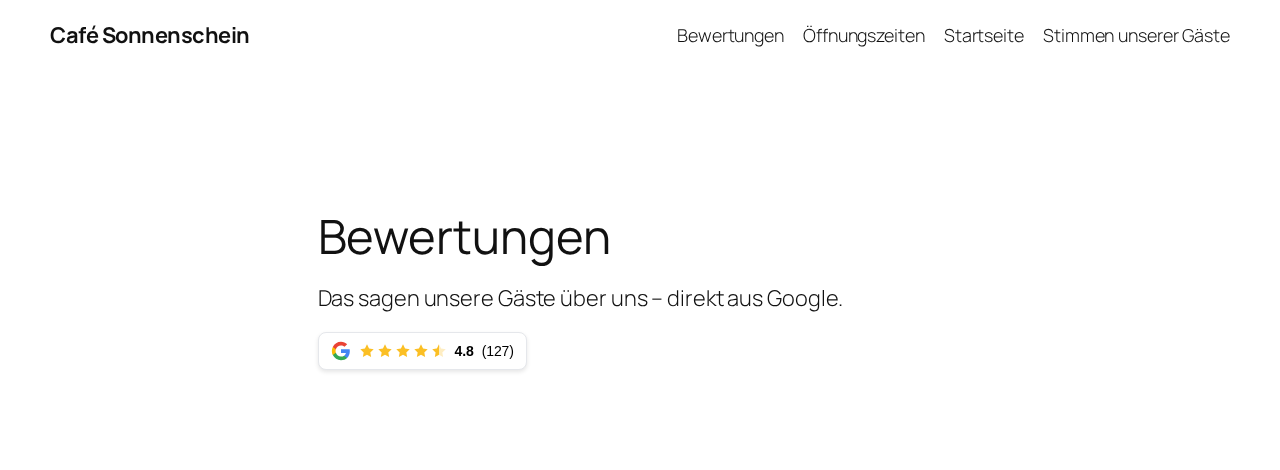
- Rating badge – stars and number of reviews in several compact styles
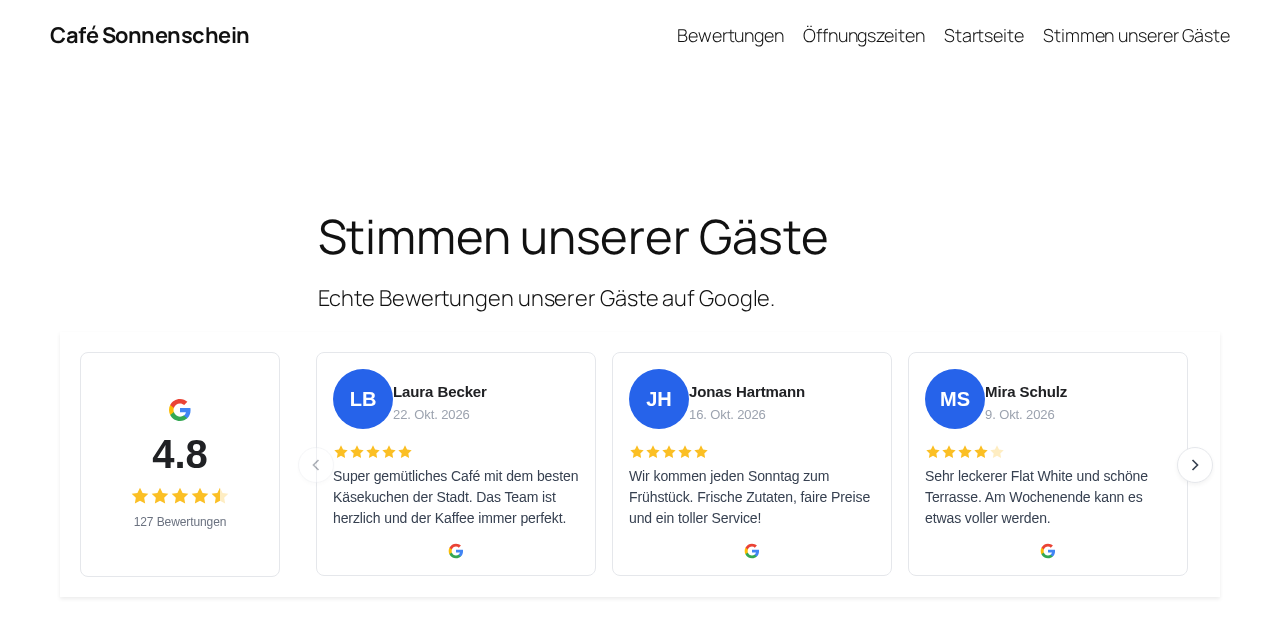
- Review slider – individual review texts
- Opening hours – current opening hours incl. “open now” status
How it works
- Create a free account at sterne-widget.de and connect your Google Business Profile.
- Create a widget and enter your website’s domain.
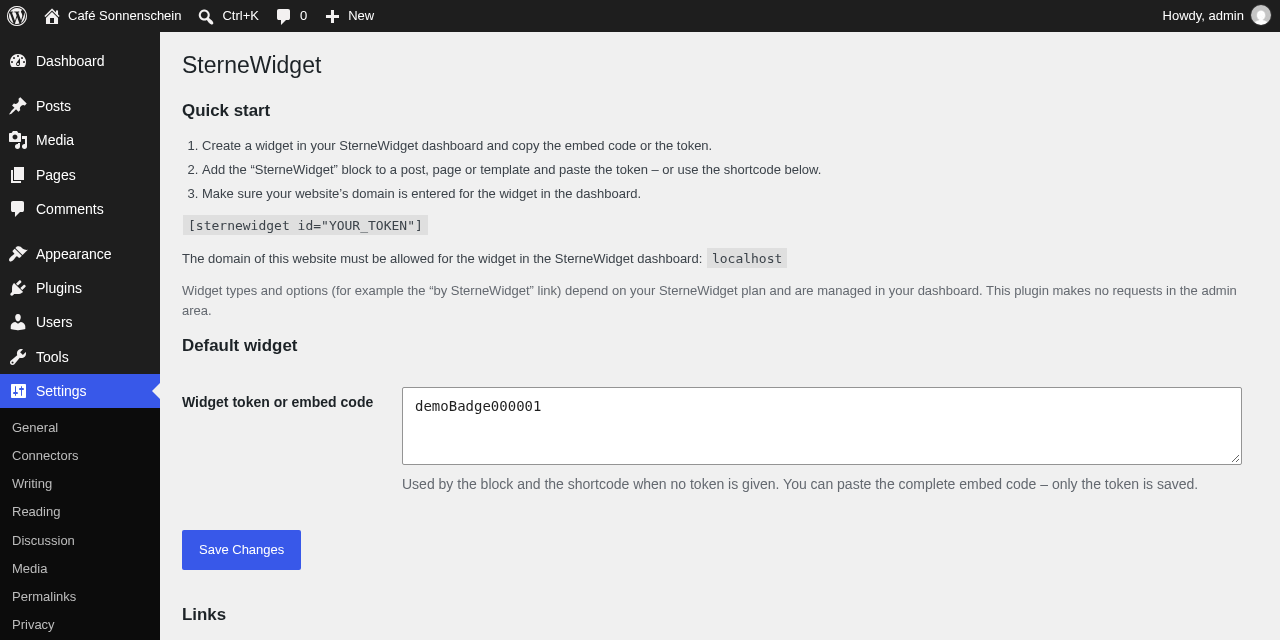
- Copy the embed code (or just the widget token) and paste it into the SterneWidget block – or use
[sternewidget id="YOUR_TOKEN"].
This plugin requires a SterneWidget account. A free plan is available. Some widget types and options (e.g. the review slider, opening hours or removing the “by SterneWidget” link) are part of paid SterneWidget plans; the plugin itself has no locked features.
External services
This plugin connects to the SterneWidget service (operated by fuxdev GmbH, Bahnhofstraße 62, 63755 Alzenau, Germany) to display your widget. It is required for the plugin to work.
- What is loaded and when: On front-end pages that contain a SterneWidget block or shortcode, the visitor’s browser loads the widget script from
https://app.sterne-widget.de/api/widget.js, including your widget token. The script then loads the widget content (rating, reviews, opening hours, reviewer images via a SterneWidget proxy) from the same server. - What data is transmitted: As with every web request, the visitor’s IP address, user agent and the referring page URL are transmitted to SterneWidget. The IP address is used only to deliver the widget and for short-term abuse protection (keyed hash, kept in memory for a few minutes) and is not stored. The Referer/Origin header is used only to check that the website is allowed to show the widget. SterneWidget counts widget views and clicks in aggregate, uses no cookies and stores nothing in the visitor’s browser (no local storage). No data is sent to Google from the visitor’s browser.
- Hosting: Widget data is processed in Frankfurt (EU) by SterneWidget’s US-based hosting provider Vercel Inc. (global CDN).
- Data processing agreement: If you act as controller (Art. 28 GDPR), the data processing agreement (AVV) is concluded in the SterneWidget dashboard under “Einstellungen”.
- Admin area: The plugin makes no external requests in the WordPress admin area.
Terms of service: https://sterne-widget.de/agb
Privacy policy: https://sterne-widget.de/datenschutz
عکسهای صفحه
بلوکها
این افزونه 1 بلوک ارائه میدهد.
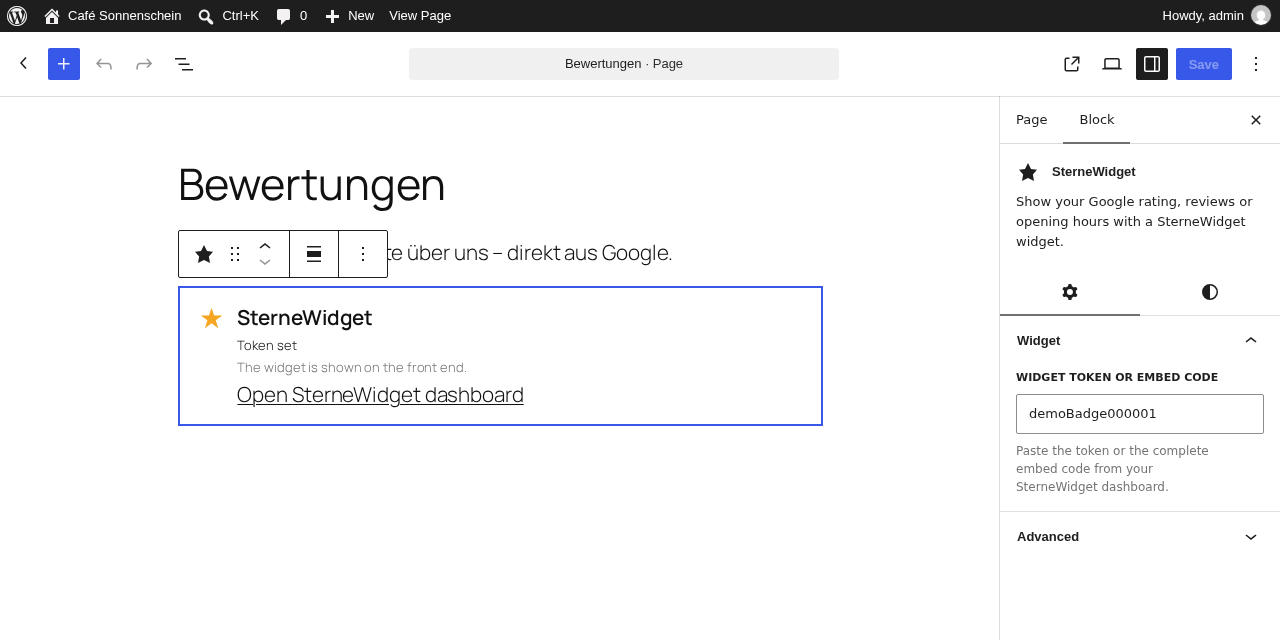
- SterneWidget Show your Google rating, reviews or opening hours with a SterneWidget widget.
نصب
- Install the plugin via Plugins Add New (search for “SterneWidget”) and activate it.
- Optional: go to Settings SterneWidget and paste your default widget embed code or token.
- Add the “SterneWidget” block to any post, page or template – or insert the shortcode
[sternewidget id="YOUR_TOKEN"]. - Make sure your website’s domain is entered for the widget in your SterneWidget dashboard.
سوالات متداول
-
Where do I find my widget token?
-
In your SterneWidget dashboard under Widgets your widget Embed code. You can paste the complete embed code – the plugin extracts the token automatically.
-
The widget sets no cookies, stores nothing in the visitor’s browser (no local storage) and does not connect your visitors to Google. When the widget loads, the visitor’s browser connects to SterneWidget’s servers (like for any embedded resource). Please mention SterneWidget in your privacy policy – the plugin adds a suggested text under Settings Privacy. This is not legal advice.
-
The widget does not appear.
-
Check that (1) the token is correct, (2) your domain is entered for the widget in the SterneWidget dashboard, (3) the widget is active. If you use a caching or optimization plugin with “delay JavaScript”, exclude
app.sterne-widget.de/api/widget.jsfrom delaying. -
Can I use several widgets on one page?
-
Yes, for example a rating badge in the header and opening hours in the footer. Each widget needs its own token.
-
Does it work with Elementor / Divi / WPBakery?
-
Yes. Use the page builder’s shortcode element with
[sternewidget id="YOUR_TOKEN"]. -
How do I change the design?
-
All design options are managed in your SterneWidget dashboard. Changes appear on your site automatically, without editing WordPress.
نقد و بررسیها
نقد و بررسیای برای این افزونه یافت نشد.
توسعه دهندگان و همکاران

“SterneWidget” به 1 زبان ترجمه شده است. با تشکر از مترجمین برای همکاری و کمکهایشان.
ترجمه “SterneWidget” به زبان شما.
علاقه مند به توسعه هستید؟
کد را مرور کنید، مخزن SVN را بررسی کنید، یا از طریق RSS در گزارش توسعه مشترک شوید.
گزارش تغییرات
1.0.0
- Initial release: block, shortcode, settings page, privacy policy suggestion.