

توضیحات
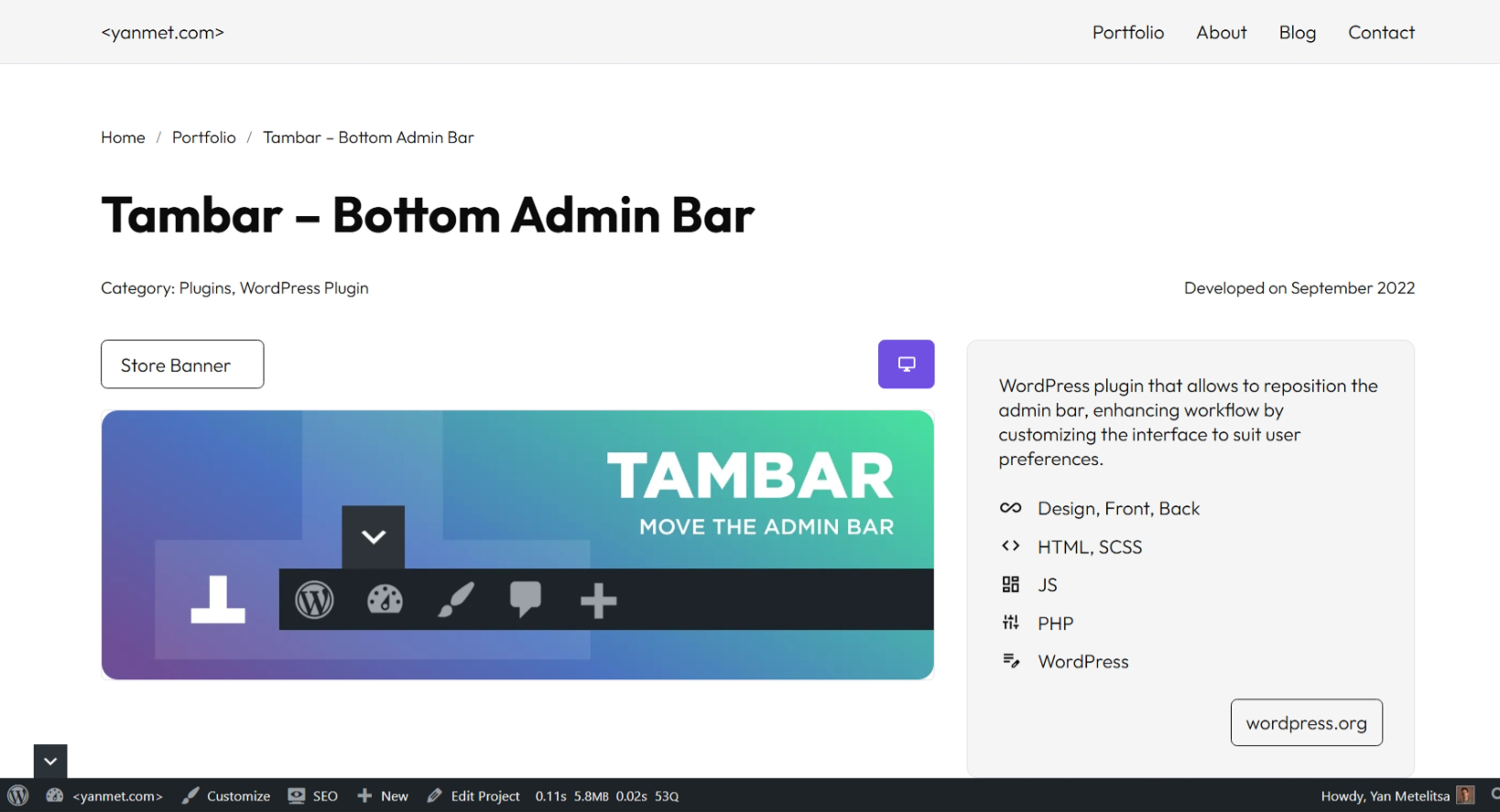
The sticky header is a widely used feature on many websites, but it can conflict with the WordPress admin bar. Take full control of your WordPress admin bar – reposition, collapse, or hide it!
Features
- Move the admin bar to the bottom
- Set different positions for desktop and mobile
- Hide/show the admin bar by switcher or keyboard shortcuts Shift + Up/Down
- Hide the admin bar for specific roles
Advantages
- 🪶 Feather-light – No performance impact
- 🎨 Native WordPress styling – Seamless UI integration
- 📱 Mobile-optimized – Perfect responsive behavior
- ⌨️ Keyboard-friendly – Work faster with keyboard shortcuts
- 🧑💻 For Developers – Supports third-party plugins
عکسهای صفحه


سوالات متداول
I installed and activated the plugin, but it doesn’t work
For the plugin to function properly, your theme must include the WordPress
body_class()function.The
body_class()function generates essential CSS classes that the plugin relies on for proper operation. Most modern WordPress themes include it by default, but some custom themes may omit it.
نقد و بررسیها

توسعه دهندگان و همکاران
“Tambar – Bottom Admin Bar” نرم افزار متن باز است. افراد زیر در این افزونه مشارکت کردهاند.
مشارکت کنندگان
“Tambar – Bottom Admin Bar” به 6 زبان ترجمه شده است. با تشکر از مترجمین برای همکاری و کمکهایشان.
ترجمه “Tambar – Bottom Admin Bar” به زبان شما.
علاقه مند به توسعه هستید؟
کد را مرور کنید، مخزن SVN را بررسی کنید، یا از طریق RSS در گزارش توسعه مشترک شوید.
گزارش تغییرات
3.0.1
Added
- Query Monitor support – admin bar opens if there are warnings
3.0.0
Fixed
- Complete performance optimization and enhanced functionality
2.3.3
Fixed
- WordPress 6.7.0 compatibility issue with
get_plugin_data()
2.3.0
Added
- Option to hide the admin bar for specific user roles
2.1.9
Fixed
- Plugin assets now load only when the admin bar is shown to the user
2.1.6
Added
- Switcher options
2.1.0
Fixed
- Admin bar state controlled by CSS (no flicker)
2.0.6
Added
- Mobile position options
1.0.0
Added
- Options page
- Admin bar hiding feature
0.9.0
- Initial release