
توضیحات
Editor UI Tools enhances your WordPress editing experience by providing productivity controls for the Block Editor (Gutenberg):
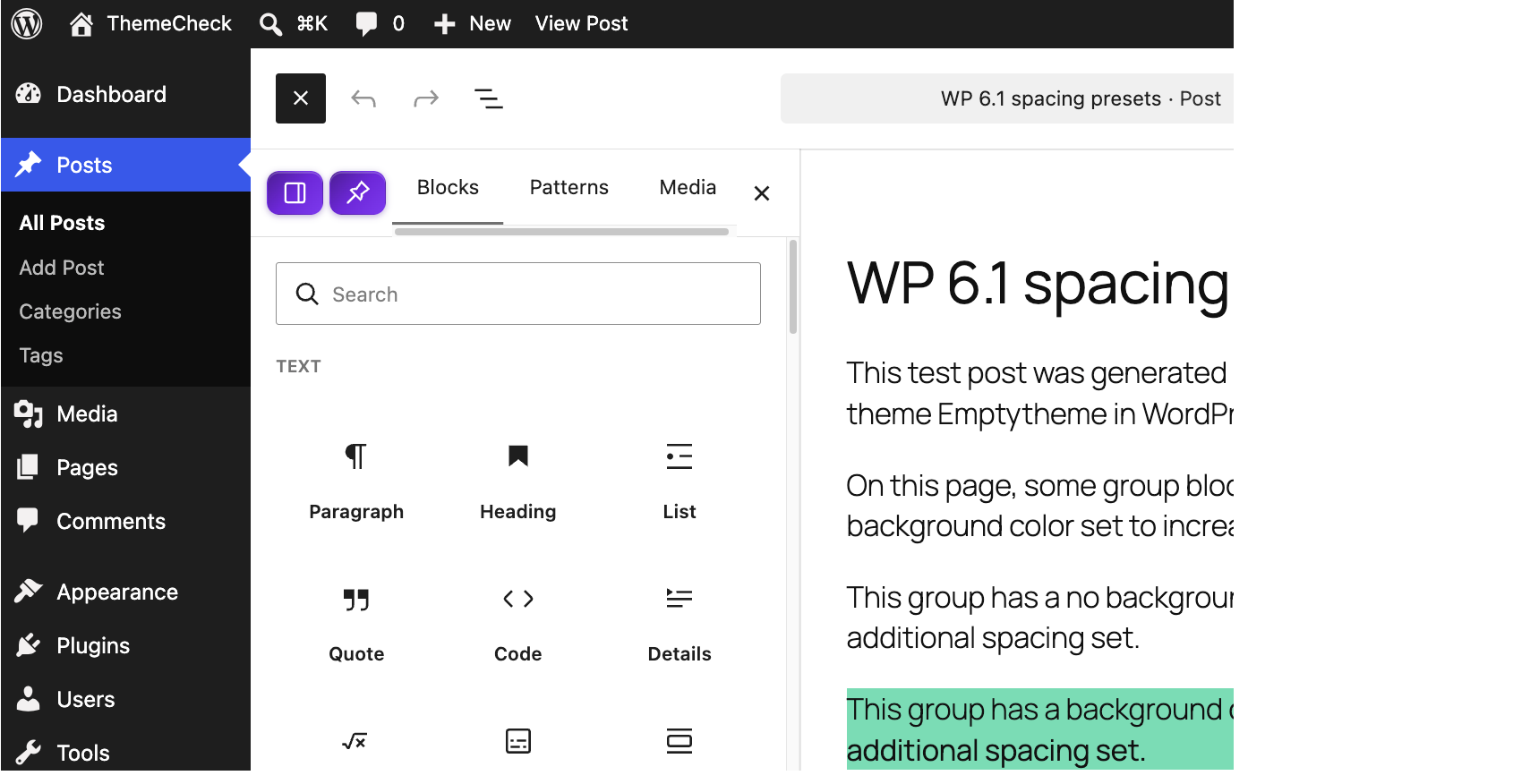
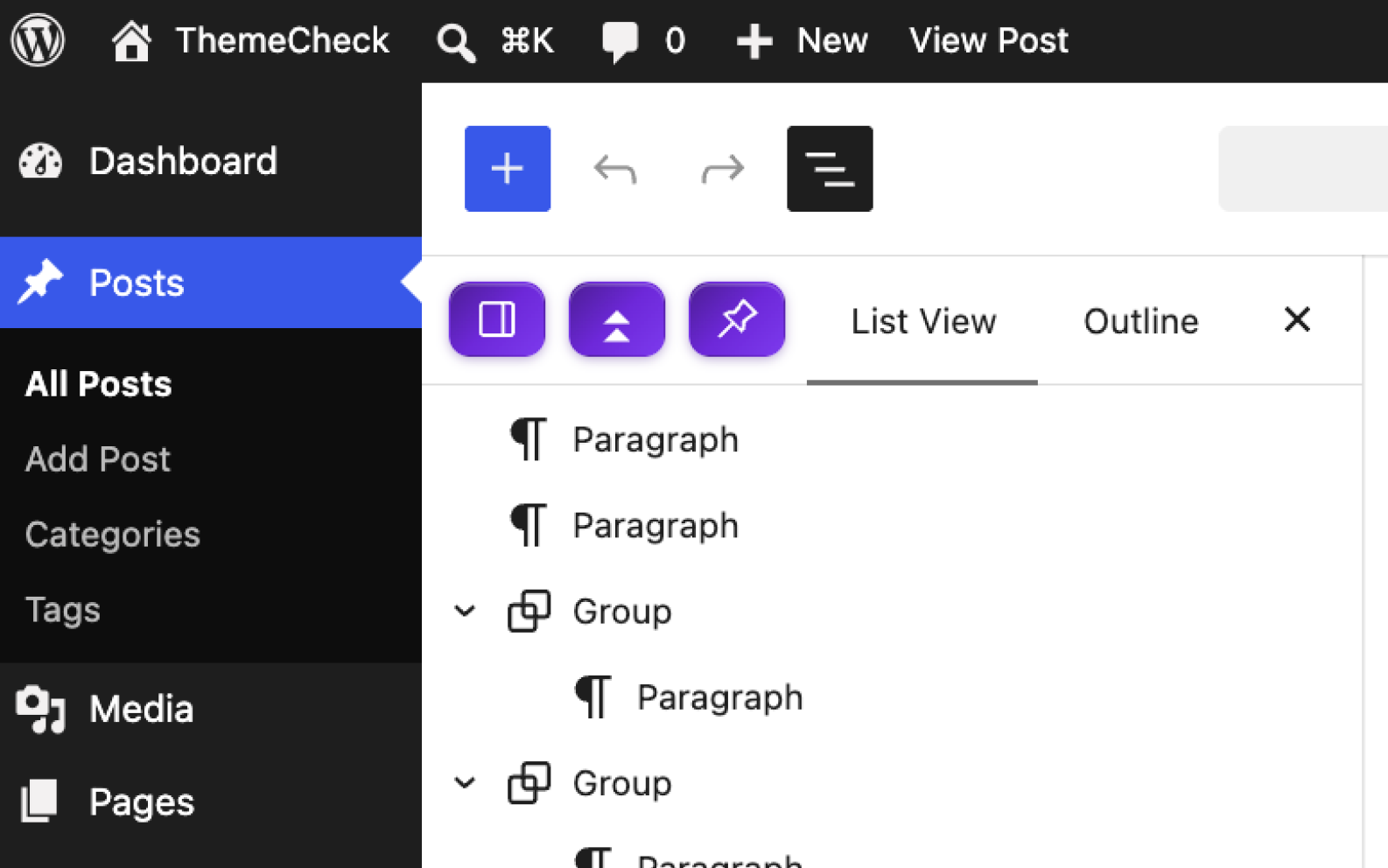
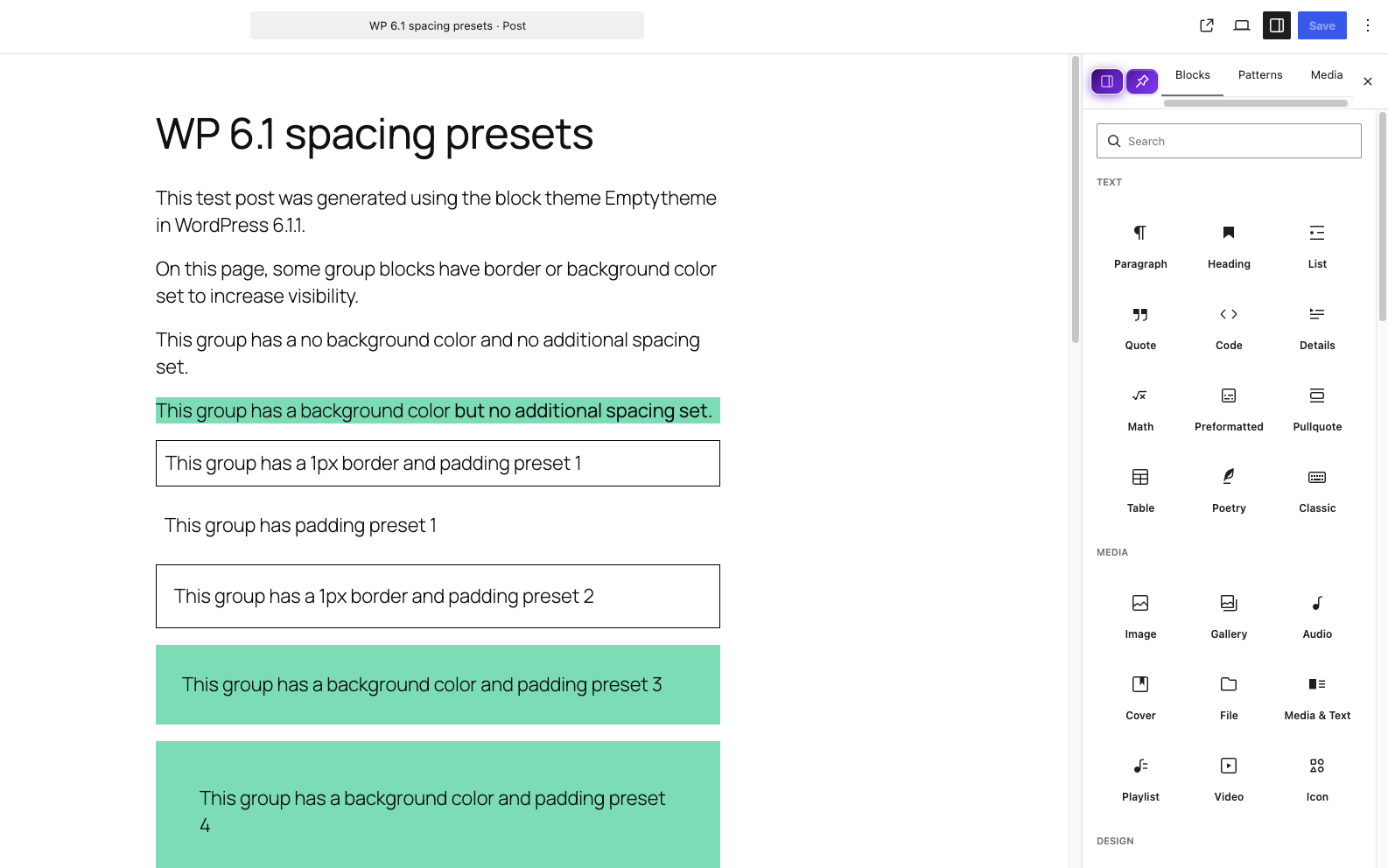
- Sidebar Pinning: Add a Pin button before the Close button on both Block Inserter and Document Overview sidebars so they stay pinned open.
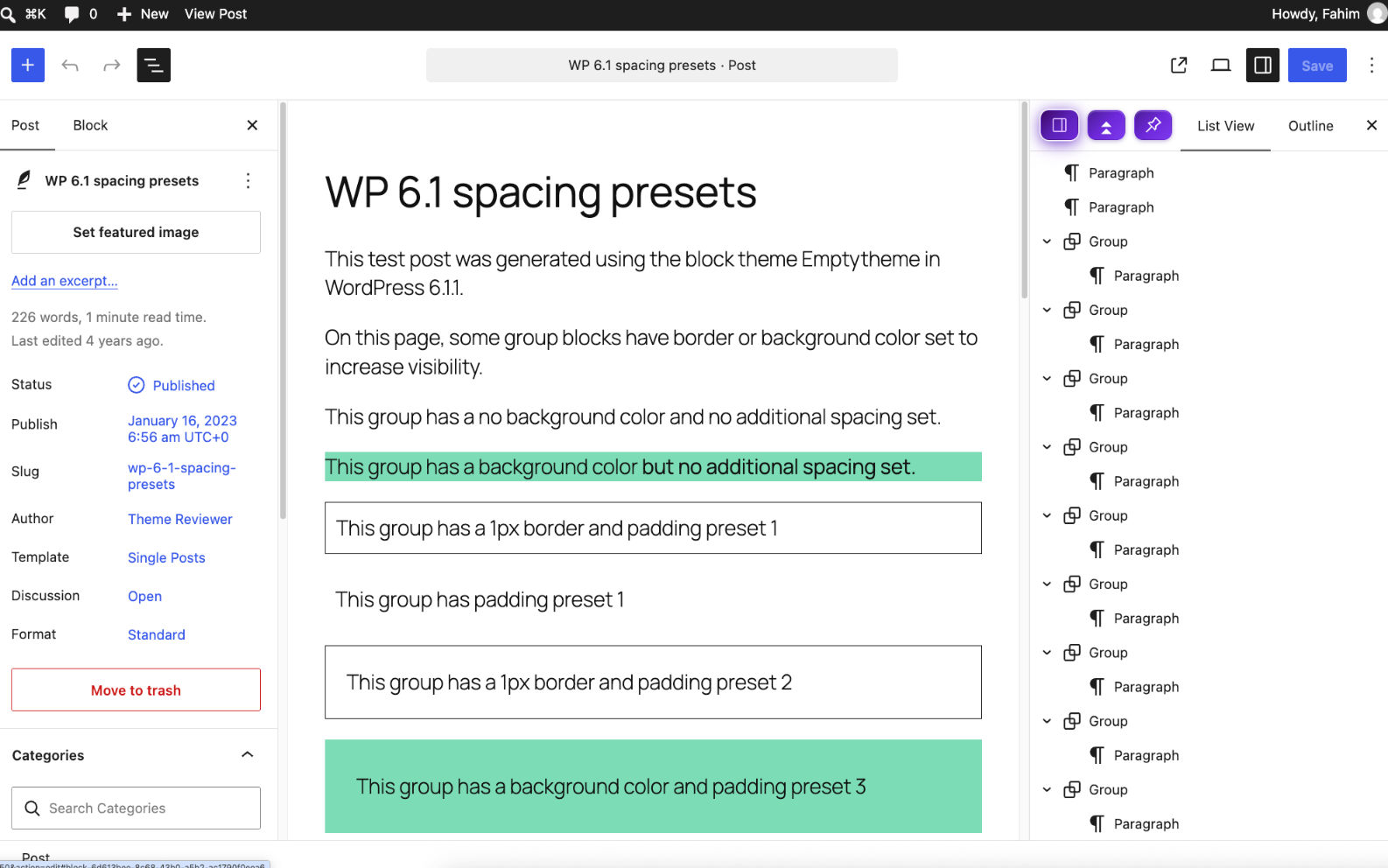
- Sidebar Position Toggle: Effortlessly switch the Block Inserter & Document Overview sidebar layout position between Left and Right.
- Expand & Collapse All: Easily expand or collapse all nested blocks in Document Overview with a single click (
.block-editor-list-view__expander). - Persistent Settings: All customizations automatically persist using
localStorage.
عکسهای صفحه
نصب
- Upload the
editor-ui-toolsfolder to the/wp-content/plugins/directory. - Activate the plugin through the ‘Plugins’ menu in WordPress.
- Open the Block Editor on any Post or Page to enjoy the new controls.
سوالات متداول
-
Does this plugin modify core WordPress files?
-
No. Editor UI Tools operates 100% independently through clean JavaScript hooks and CSS layout overrides without touching WordPress core files.
-
How do I expand or collapse all blocks in Document Overview?
-
Open the Document Overview sidebar in the editor and click the new Expand/Collapse All button in the header bar.
نقد و بررسیها
نقد و بررسیای برای این افزونه یافت نشد.
توسعه دهندگان و همکاران
“Editor UI Tools” نرم افزار متن باز است. افراد زیر در این افزونه مشارکت کردهاند.
مشارکت کنندگان
ترجمه “Editor UI Tools” به زبان شما.
علاقه مند به توسعه هستید؟
کد را مرور کنید، مخزن SVN را بررسی کنید، یا از طریق RSS در گزارش توسعه مشترک شوید.
گزارش تغییرات
1.0.0
- Initial release with Sidebar Pinning, Left/Right Position Toggle, and Document Overview Expand/Collapse All.